1
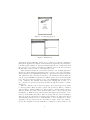
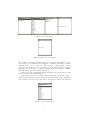
Figure 3: Select Departure
Figure 4: Operation Successfully
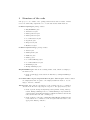
option Enter coordinates, then he should see following window (Figure 3). Now
user needs to enter Latitude and Longitude coordinates. Entering coordinate
decimals need to use dot, and not comma. If the coordinates will be entered
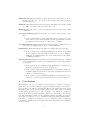
correctly, user should see on screen that operation was executed successfully.
The third option Use GPS coordinates will take users current GPS coordinates
and will indicate them as departure (Figure 3).
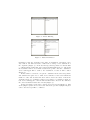
Using option Select destination user his destination can specify only choosing
bus stop name from the list (Figure 5).
If user has chosen both - departure and destination, he can ask the device to
advise which bus number and at what time he should take. If the destination
and departure, selected by the user, will be the same, he will get the following
Figure 5: Select Destination
3