1
®
H04 / SCAMAX 510
8.3
Cleaning the Feeder Belts
Mixed batches, document condition and differing belt pressure are factors
causing dirt and toner residue to collect on the feeder . To ensure reliable feeding, the belts will have to be cleaned from time to time. Belt cleaning is performed while the scanner is switched on.
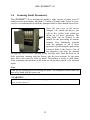
! CAUTION !
Only use approved belt and roller cleaner to clean the feeder belts. NEVER use solvents like petrol, lighter fluid, acetone or the like! These solvents will cause irreparable
damage to the belts.
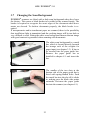
! WARNING !
The cleaning solution is highly flamable! Do not smoke and stay away from naked
flames. Adhere to all warnings and safety notices affixed to the solution!
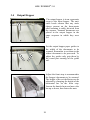
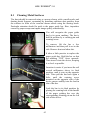
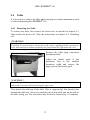
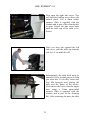
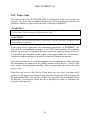
To clean the feeder belts proceed as follows:
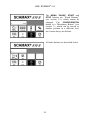
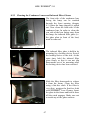
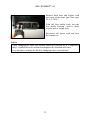
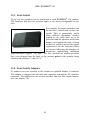
Select the BATCH mode on the
display. The input hopper plate drops
into its bottom position. Apply
cleaning fluid to a lint-free cloth and
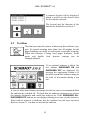
press the TRANSPORT button. All
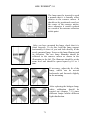
belts and rollers will now run for a
maximum of six minutes. Move the
cloth forwards, above the sensor, and
the input hopper plate will drive into
its upper position. Retain a firm grip
on the cloth to prevent it being pulled into the scanner by the feeder belts.
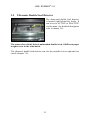
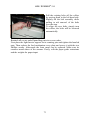
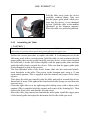
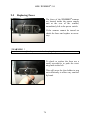
Lightly move the cloth from side to side to create the cleaning process. Once
you are satisfied that the belts have been thoroughly cleaned, pull the cloth
backwards across the sensor. The input hopper plate will drive to its bottom
position. Pressing the TRANSPORT button a second time stops movement of
all belts and rollers.
69