1
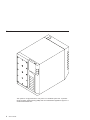
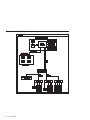
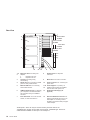
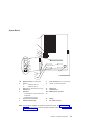
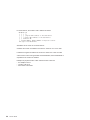
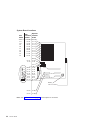
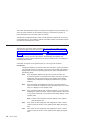
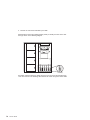
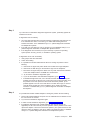
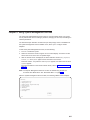
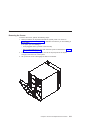
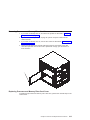
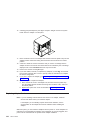
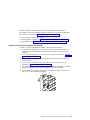
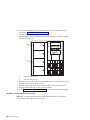
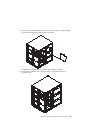
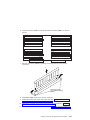
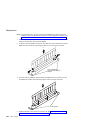
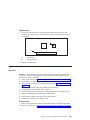
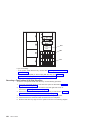
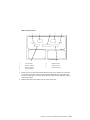
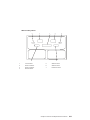
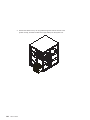
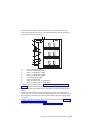
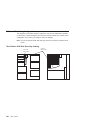
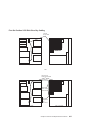
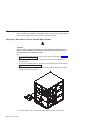
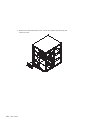
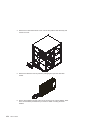
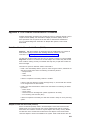
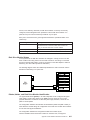
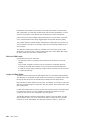
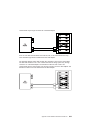
6. To remove the side covers, remove the screws (1) that hold the side covers to the
rear frame.
Attention: Do not remove the right side cover unless the system is shut down and
the power is disconnected from the power outlet.
1
1
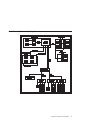
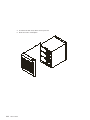
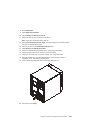
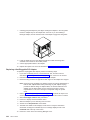
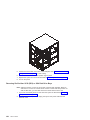
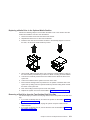
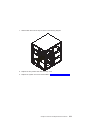
7. Slide the covers to the rear and remove.
Chapter 9. Removal and Replacement Procedures
313