1
All Courses: to see the list of all available courses;
All course categories: to see the list of all course categories;
All teachers: to see the list of teachers;
My e-learning activity: to see the list of all courses followed by the user.
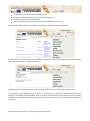
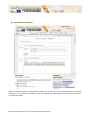
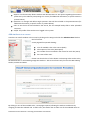
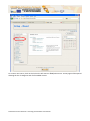
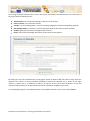
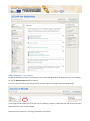
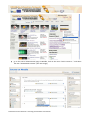
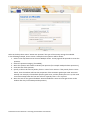
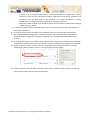
The following image shows the view with the list of all the available courses in the portal.
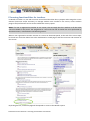
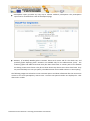
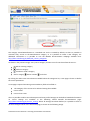
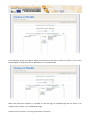
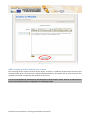
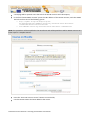
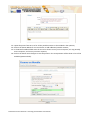
If a user selects a course but he is not enrolled to it, a message will be shown below the course description,
explaining that the user is unable to access to it.
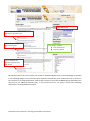
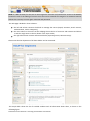
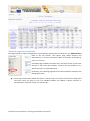
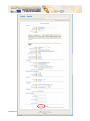
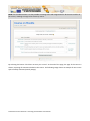
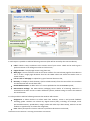
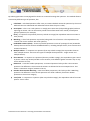
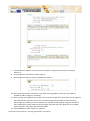
By selecting a course where the user is enrolled in as student, the course structure will be showed.
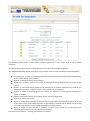
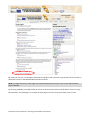
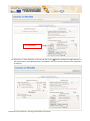
As reported in the following image, a course is structured in a number of topics containing links to
resources or activities that the student have to perform. The resources to be viewed can be any content
published in the ECLAP BPNET and they are shown in the same manner as any other content published on
the portal.
ECLAP Best Practice Network: e-learning functionalities User Manual