1
General Design & Purpose
The PoolManager is a complex program striving to be simple to the Users. Wherever possible, the
features (elements offered such as the Chemistry Log or Employee Information found it the appropriate
menus) present the same, or at least very similar, design, functions, and controls (buttons and pull-down
menus, for instance) for interacting with you (also known as the interface). This design will help you
learn the software quickly. First, let’s consider the anatomy and terminology for the PoolManager:
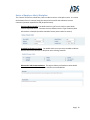
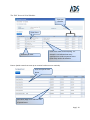
The log-in page is simple enough. However you should know that to protect you from usurpers and
scallywag hackers, we allow seven tries with your password before you are locked out and must update
your password.
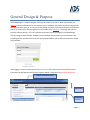
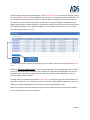
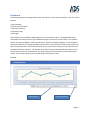
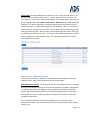
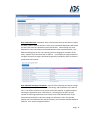
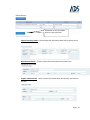
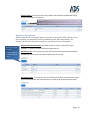
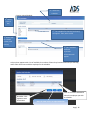
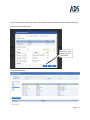
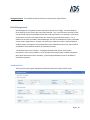
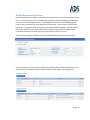
After logging in, the first screen you see is the Dashboard (Like a home screen with useful summary
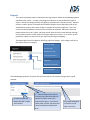
information to help operate your facility at a glance. Below is a portion of the Dashboard Interface.
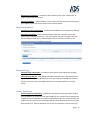
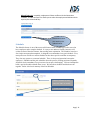
Features (also Menu Item)
Menu Bar
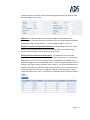
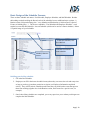
Dashboard
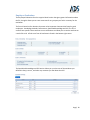
Features
Page | 2