1
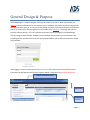
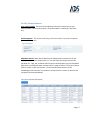
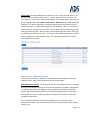
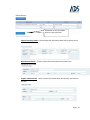
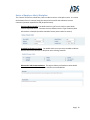
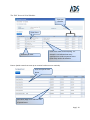
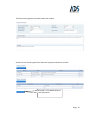
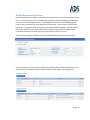
Missed Topic List: Invariably, employees will have conflicts with the Orientation
schedule. The Missed Topic List allows you to select the employee and indicate which
topic he/she missed and why.
Schedule
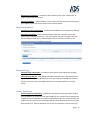
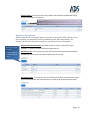
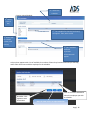
Remember to save
your work by the
update button.
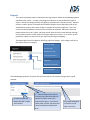
The Schedule feature is one of the most useful features in the PoolManager for the users who
have employees and a complex schedule. It is easy to use and user friendly, but not as selfevident as most of the other features, thus needing some explanation. The schedule, based on a
few simple concepts and assumptions, is designed to accommodate a busy pool schedule. First,
most pools seem to follow a routine schedule but also have special events that are temporary.
They also may operate on a seasonal schedule. There is always an interaction between the
employees’ schedules and the pool schedules where the process of filling positions (lifeguards,
front desk clerks, attendants) for a given time slot can prove challenging. We have attempted to
build a special schedule to handle these issues. We have three schedule modules that work
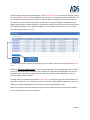
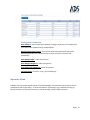
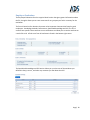
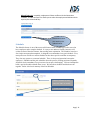
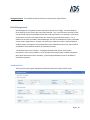
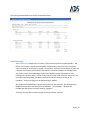
together. Below is the basic anatomy of the Pool Schedule
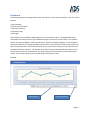
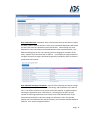
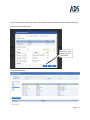
Select a schedule to view,
then click “edit” to modify.
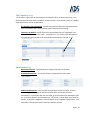
Create a new Schedule
Page | 21