1
Agresso User Manual –Purchasing Officer
N.B: The Agresso Support Team cannot view passwords. If a user forgets their password
then they should e-mail the helpdesk finsup@glasgow.ac.uk. A new password will be issued
and this must be changed the next time the user logs on to the system.
2.2 Configuring Main Menu Options
Within Agresso there is the option to configure the Main Menu. This option must be
configured within Agresso using the following instructions.
To configure the Menu Options:
1.
Log on to Agresso.
2.
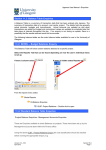
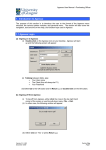
Click on ‘File’ then ‘Options’
3.
Ensure the following options are the same as above. Then Click Apply and OK.
4.
For these changes to take place the user must restart Agresso.
Version 4.0 –553
May 2010
Section Two
Page 2