1
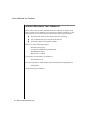
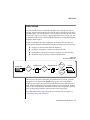
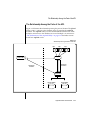
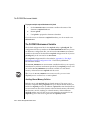
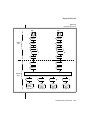
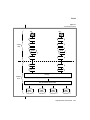
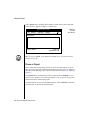
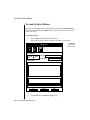
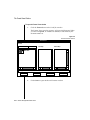
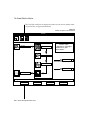
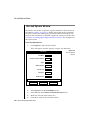
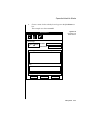
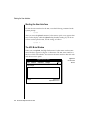
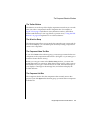
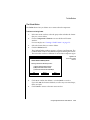
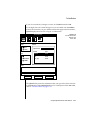
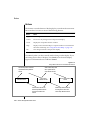
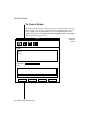
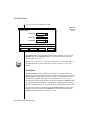
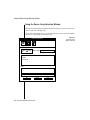
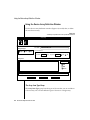
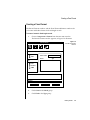
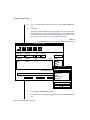
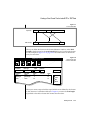
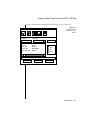
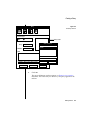
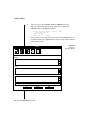
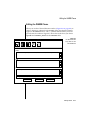
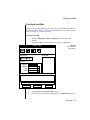
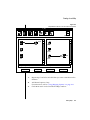
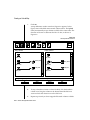
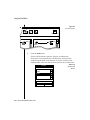
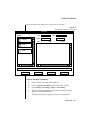
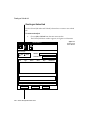
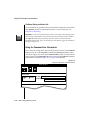
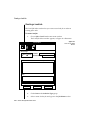
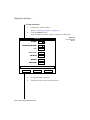
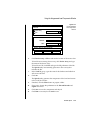
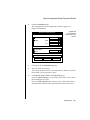
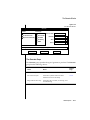
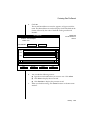
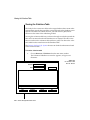
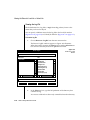
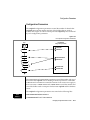
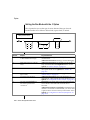
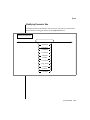
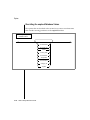
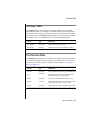
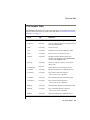
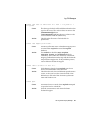
The Generate Window
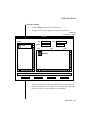
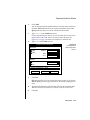
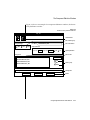
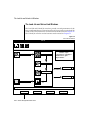
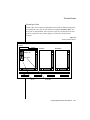
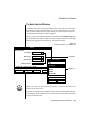
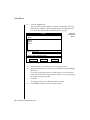
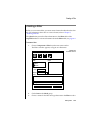
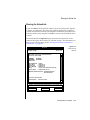
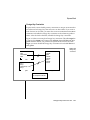
Figure 13-4
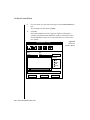
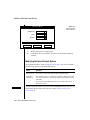
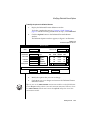
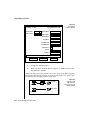
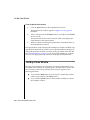
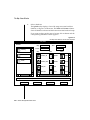
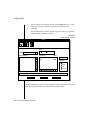
The Generate Window
Generate
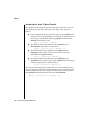
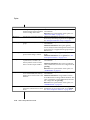
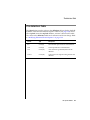
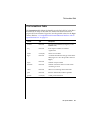
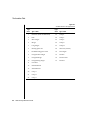
Format Type
Generate
Generate Name:
Load/Unload Job
Delimited
No Conversion Job
Fixed Internal
Maps and Formats Only
Fixed ASCII
Fixed Binary
COBOL
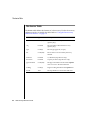
Database:
Table:
Device:
Message: Select options for automatically generating jobs, maps, queries, and formats
OK
Cancel
Help
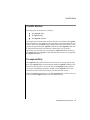
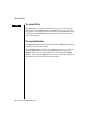
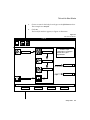
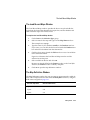
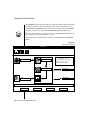
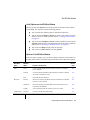
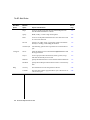
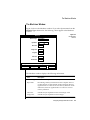
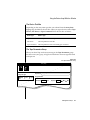
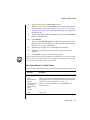
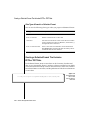
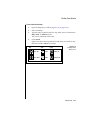
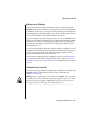
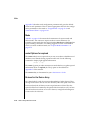
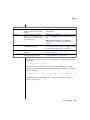
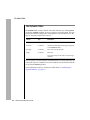
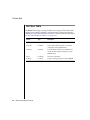
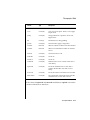
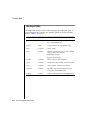
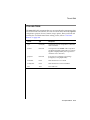
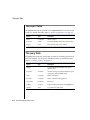
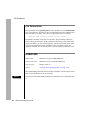
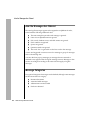
The Generate Group
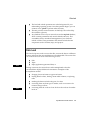
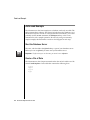
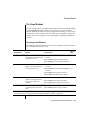
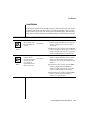
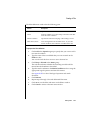
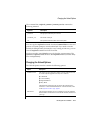
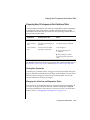
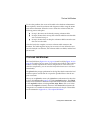
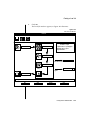
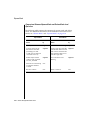
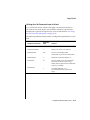
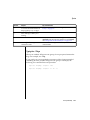
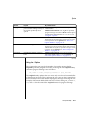
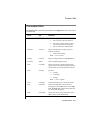
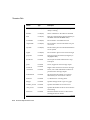
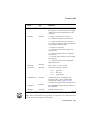
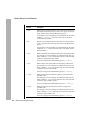
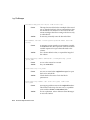
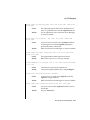
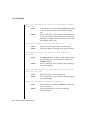
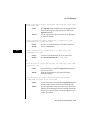
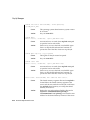
The Generate group specifies the type of generate to perform. The Generate
group has the following choices.
Choice
Effect
Refer to
Page
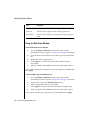
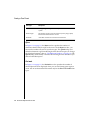
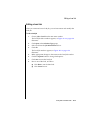
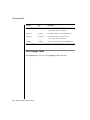
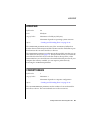
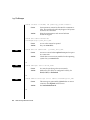
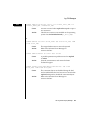
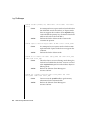
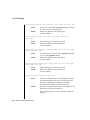
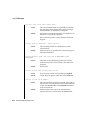
Load/Unload Job
Generates both load and unload jobs
13-13
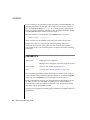
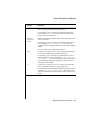
No Conversion Job
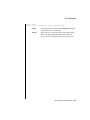
Generates a job that treats an entire
database record as one entity
13-14
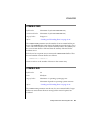
Maps and Formats only
Generates only a format, a load map, and
an unload map
Generate Options 13-11