1
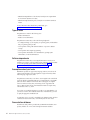
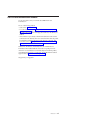
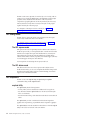
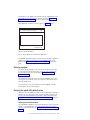
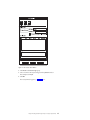
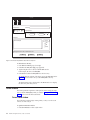
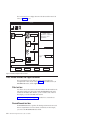
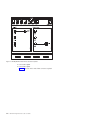
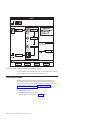
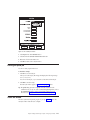
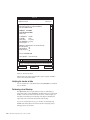
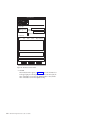
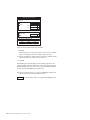
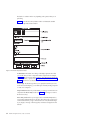
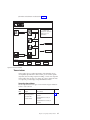
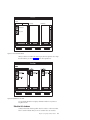
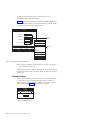
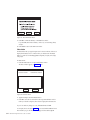
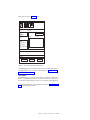
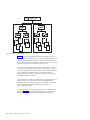
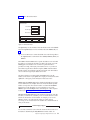
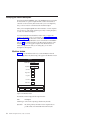
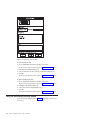
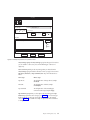
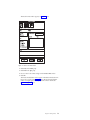
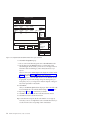
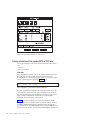
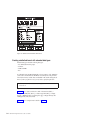
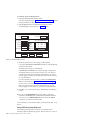
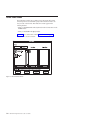
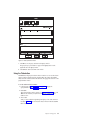
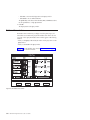
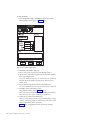
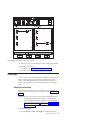
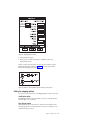
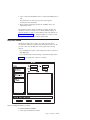
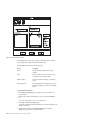
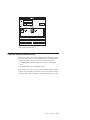
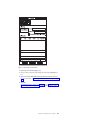
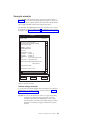
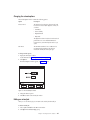
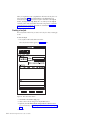
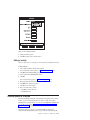
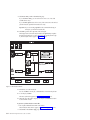
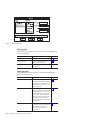
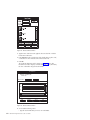
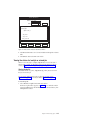
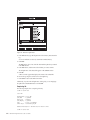
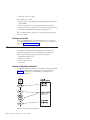
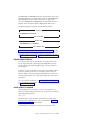
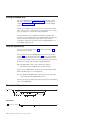
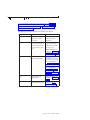
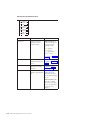
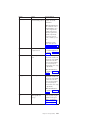
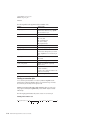
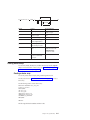
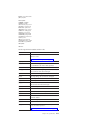
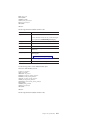
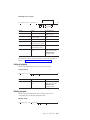
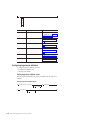
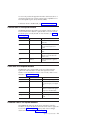
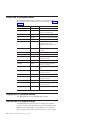
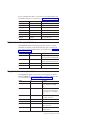
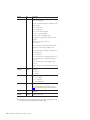
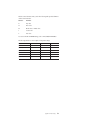
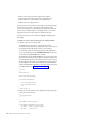
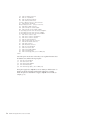
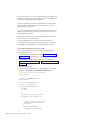
The Load Job window now displays the name of the device and the name of the
format, as Figure 2-9 shows.
Load Job
Save As
Notes
Generate
an_array
Device
Job Name: newjob
Onpload Server: onpload@svr1
Database Server: @svr1
Target Database:
a_format
Format
Filter
Discard Records
Map
Logfile
Options
Table
Message:
Run
Save
Cancel
Help
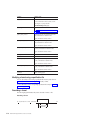
Figure 2-9. Partially Completed Load Job window
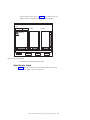
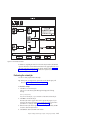
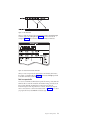
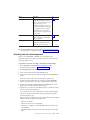
Filter, Discard Records, and Logfile text boxes
The Load Job window now has entries for a device and format. The next
incomplete items in the Load Job window (Figure 2-9) are the Filter text box, the
Discard Records text box, and the Logfile text box.
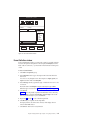
Filter text box
Use a filter to choose the records from the data file that should be inserted into the
table. In this example, all of the records from the /work/mydata data file will be
inserted into the database table. Therefore, you do not need to create a filter. For
this example, you can leave the Filter text box blank.
Chapter 10, “Defining filters,” on page 10-1, describes how to create and use a
filter.
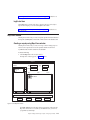
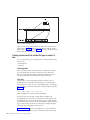
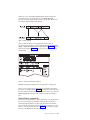
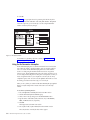
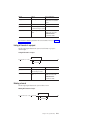
Discard Records text box
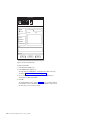
The Discard Records text box specifies a file that keeps information about records
that were rejected because of incorrect format or invalid data. For this example,
you can leave the Discard Records text box blank.
2-12
IBM Informix High-Performance Loader User’s Guide