1
Chapter 3: Using the display and keypad
Status information
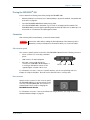
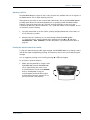
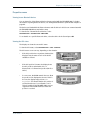
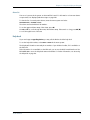
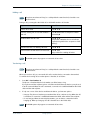
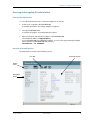
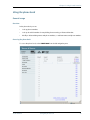
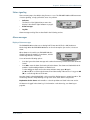
Status information in the display is normally shown in the lower line of the Main screen.
Examples of status information are: READY, REGISTERING and DATA.
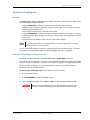
Displaying ongoing transmission
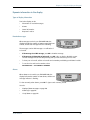
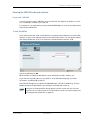
The display shows information on type and duration or MB transferred for calls and data sessions
in progress.
•
A 64 K Streaming session is displayed as 64K followed by the duration,
•
a Circuit Switched call is displayed as CALL followed by the duration and
•
Standard (Background) data is displayed as DATA followed by MB.
Two lines are available in the display. If more than two calls or sessions are active, display of
Streaming data has the highest priority, then Circuit Switched calls and then Standard data. Within
these categories, the oldest calls/data sessions have the highest priority.
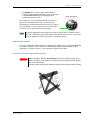
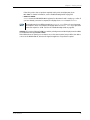
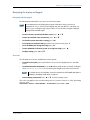
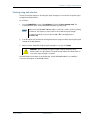
WARNING! When the EXPLORER 300 is pointed, stay clear of the antenna front! The
antenna emits radio frequency energy, not only when a call or data session is in
progress, but as soon as the antenna pointing is completed. Always keep a minimum
distance of 0.6 m from the antenna front when the antenna is pointed.
Request for action
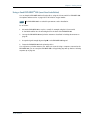
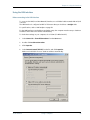
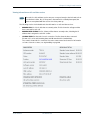
A request for action, if it is not an alarm, is shown in the lower line of the display. This could be
e.g. POINT NOW? or INSERT SIM.
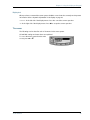
When the text is a question, press OK to accept.
TT 98-123571-F
49