1
Chapter 2: Getting started
Obtaining a GPS fix
The EXPLORER 500 must acquire its own location from the GPS satellites before it can register on
the BGAN network. This is called obtaining a GPS fix.
If the antenna is placed in an open location with a wide view to the sky, the EXPLORER 500 will
probably obtain the GPS fix automatically while you are pointing towards the BGAN satellite.
However, if part of the view to the sky is blocked, and/or the Elevation is very low, it may
sometimes be difficult for the GPS antenna to “see” a sufficient number of GPS satellites.
The EXPLORER 500 can obtain the GPS position in two ways: Using the GPS antenna or using the
BGAN I-4 antenna.
•
If the terminal is placed in an open location with a wide view to the sky, the GPS antenna is
the better choice, because it is omnidirectional.
•
If, however, the terminal is placed in a location with a limited view e.g. close to a wall or
similar, the I-4 antenna is better because it is directional.
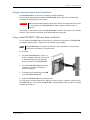
For information on how to set up which antenna to use for acquiring GPS fix, see Selecting the GPS
antenna on page 118 (only available in software version 1.07 and greater).
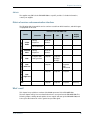
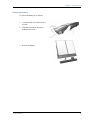
To ease the process of obtaining a GPS fix you may also try the following:
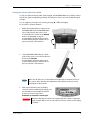
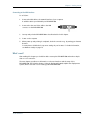
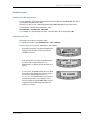
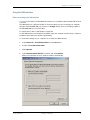
1.
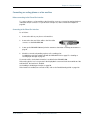
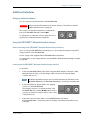
Place the antenna flat on an even surface, pointing
straight upwards with a clear view to as much of the
sky as possible.
2. When the GPS fix is obtained, you can start pointing towards the BGAN satellite.
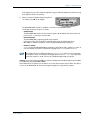
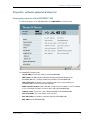
To see the GPS status, enter the display menu system by pressing S or T and select
PROPERTIES > GPS STATUS. For further information, see Viewing the GPS status on
page 43.
TT 98-122274-O
23