1
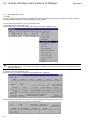
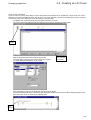
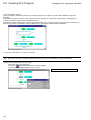
Deleting worksheet
3-3 Creating Program Organization Units (POUs)
3-3-3 Deleting POU and worksheet
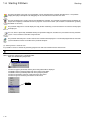
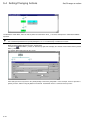
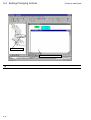
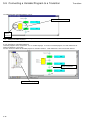
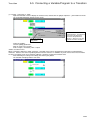
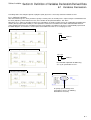
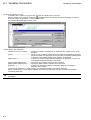
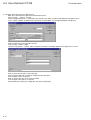
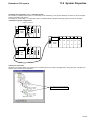
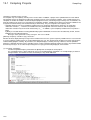
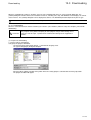
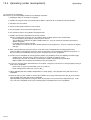
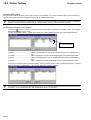
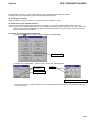
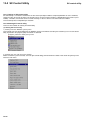
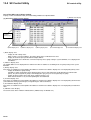
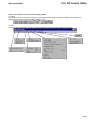
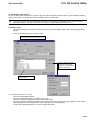
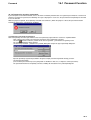
Deleting a previously created POU or worksheet is explained below:
Once deleted, the data can no longer be restored. Be careful when using this function.
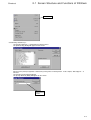
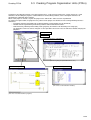
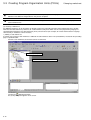
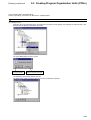
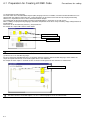
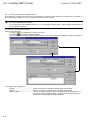
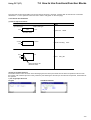
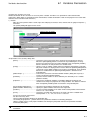
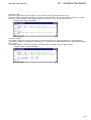
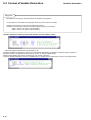
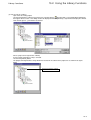
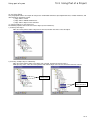
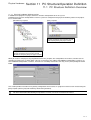
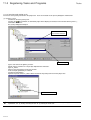
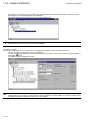
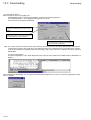
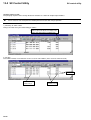
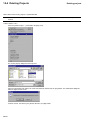
(1) Deleting a POU
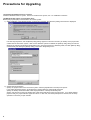
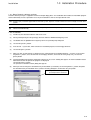
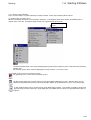
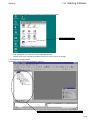
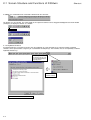
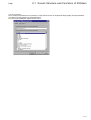
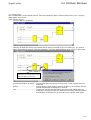
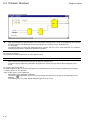
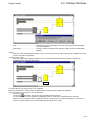
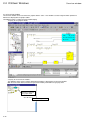
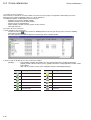
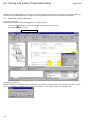
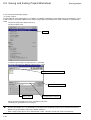
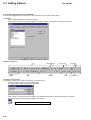
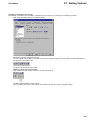
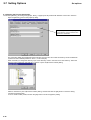
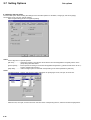
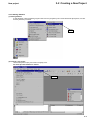
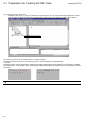
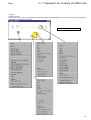
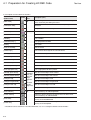
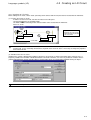
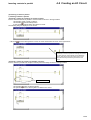
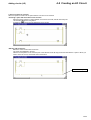
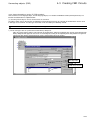
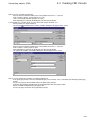
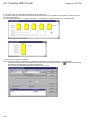
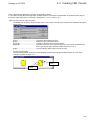
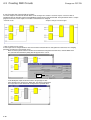
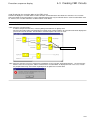
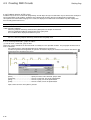
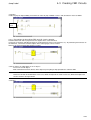
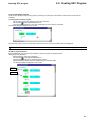
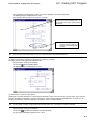
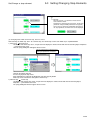
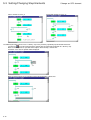
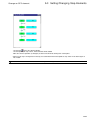
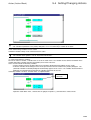
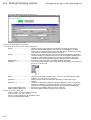
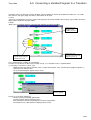
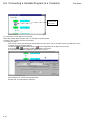
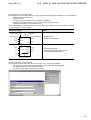
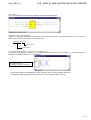
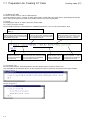
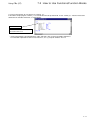
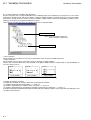
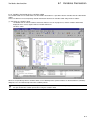
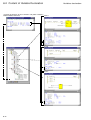
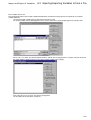
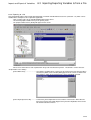
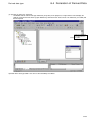
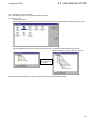
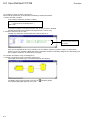
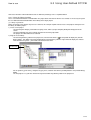
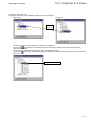
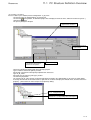
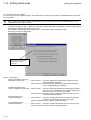
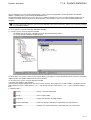
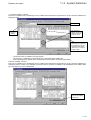
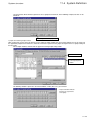
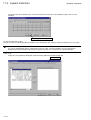
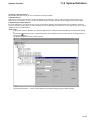
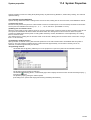
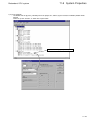
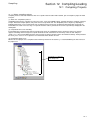
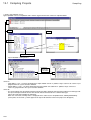
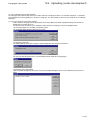
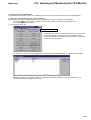
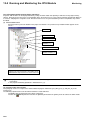
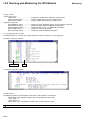
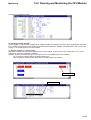
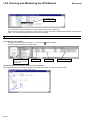
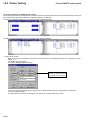
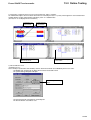
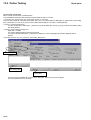
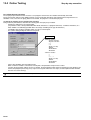
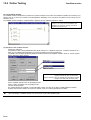
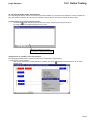
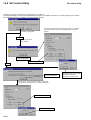
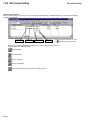
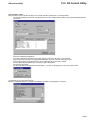
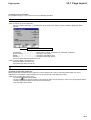
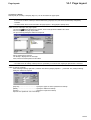
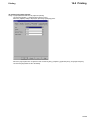
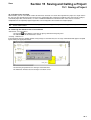
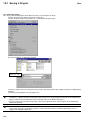
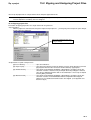
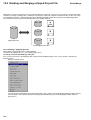
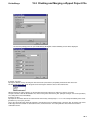
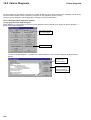
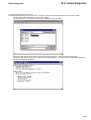
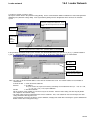
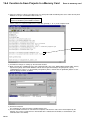
◊ Right-click the POU [LADDER] icon in the [Logical POUs] sub-tree of the project tree to display the shortcut menu, and
then left-click the [Delete] command in the menu.
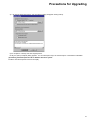
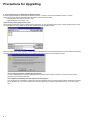
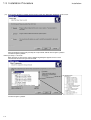
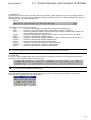
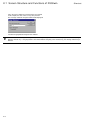
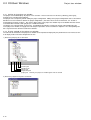
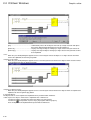
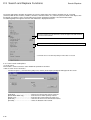
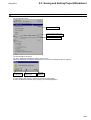
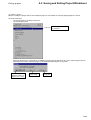
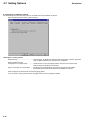
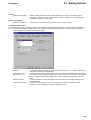
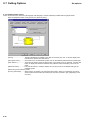
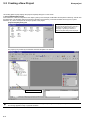
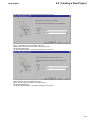
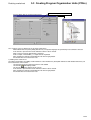
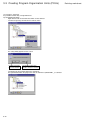
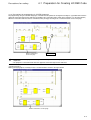
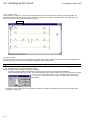
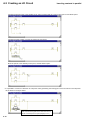
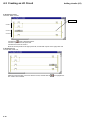
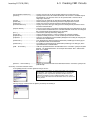
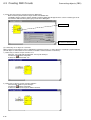
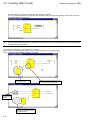
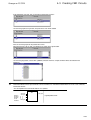
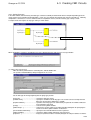
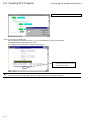
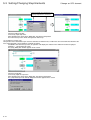
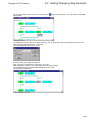
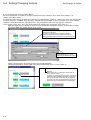
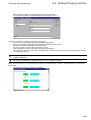
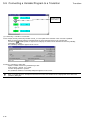
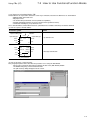
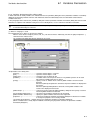
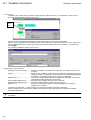
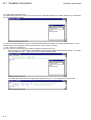
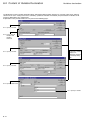
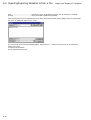
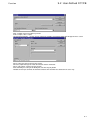
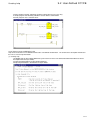
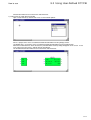
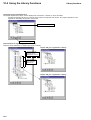
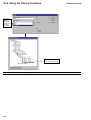
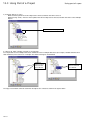
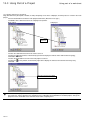
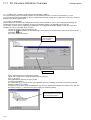
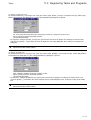
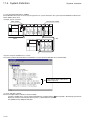
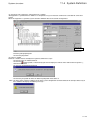
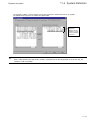
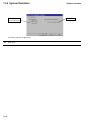
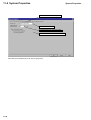
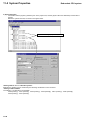
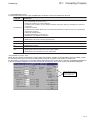
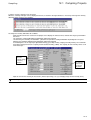
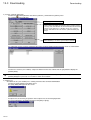
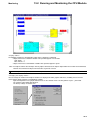
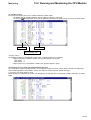
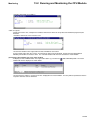
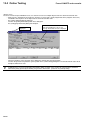
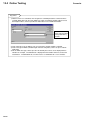
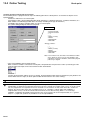
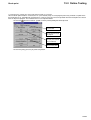
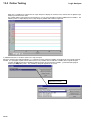
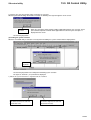
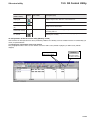
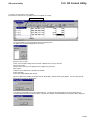
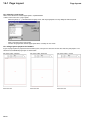
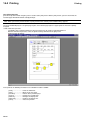
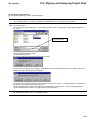
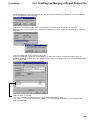
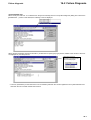
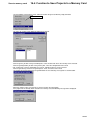
The safety dialog appears on the screen.
Left-click this button
to execute deletion.
Left-click this button when
deletion is not to be executed.
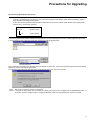
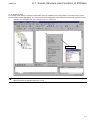
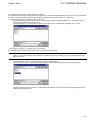
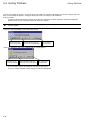
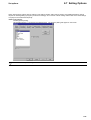
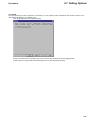
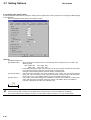
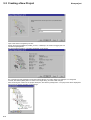
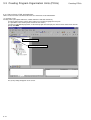
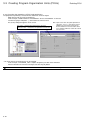
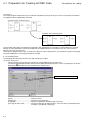
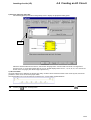
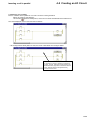
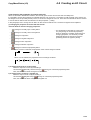
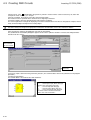
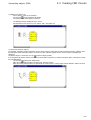
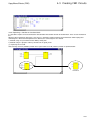
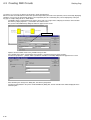
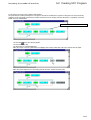
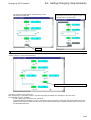
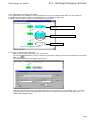
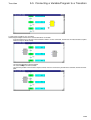
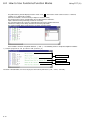
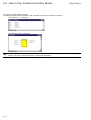
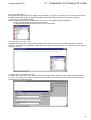
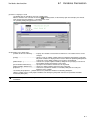
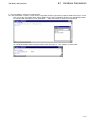
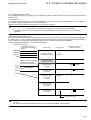
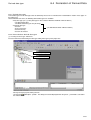
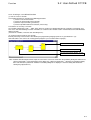
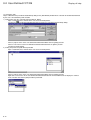
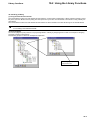
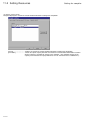
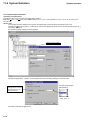
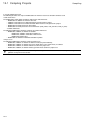
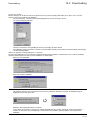
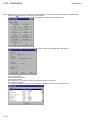
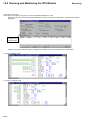
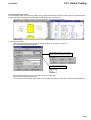
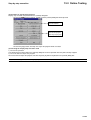
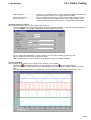
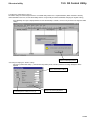
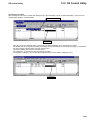
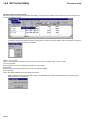
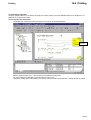
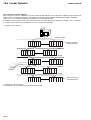
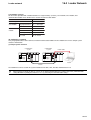
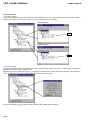
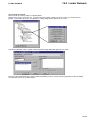
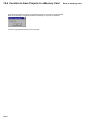
◊ Left-clicking the [Yes] button deletes the POU.
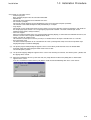
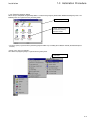
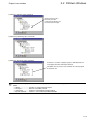
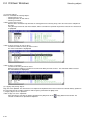
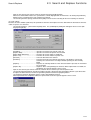
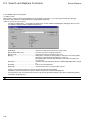
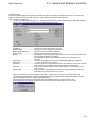
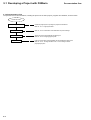
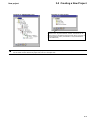
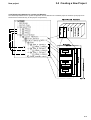
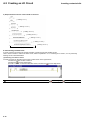
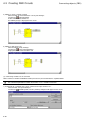
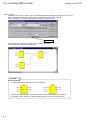
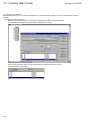
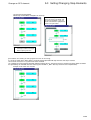
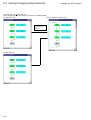
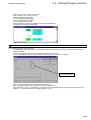
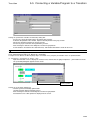
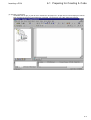
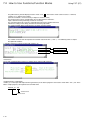
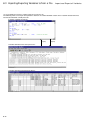
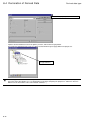
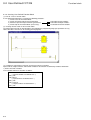
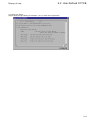
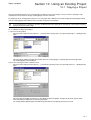
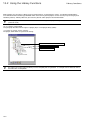
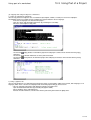
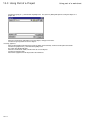
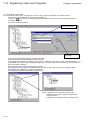
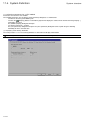
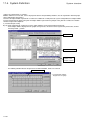
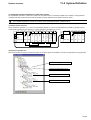
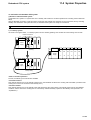
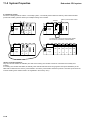
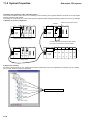
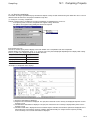
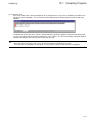
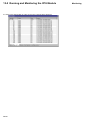
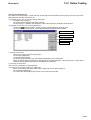
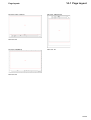
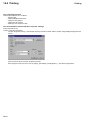
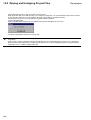
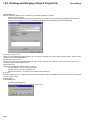
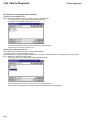
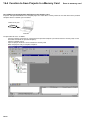
The figure below shows the project tree after the POU (LADDER) is deleted.
3-19