1
56
Chapter 3 Ordered by Function
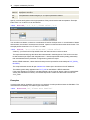
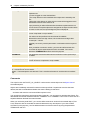
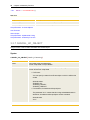
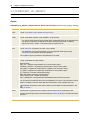
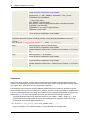
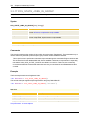
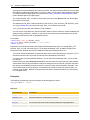
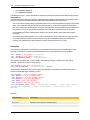
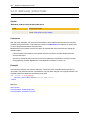
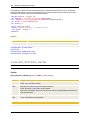
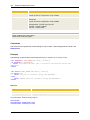
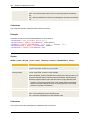
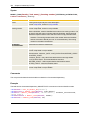
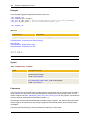
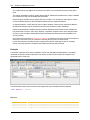
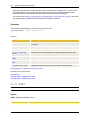
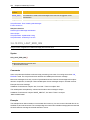
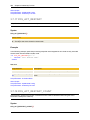
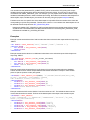
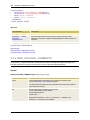
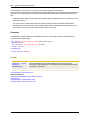
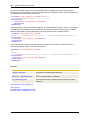
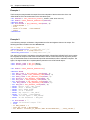
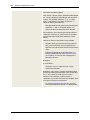
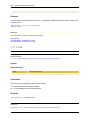
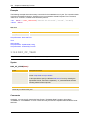
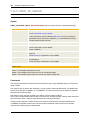
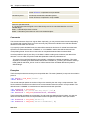
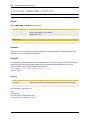
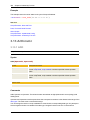
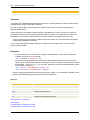
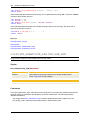
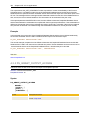
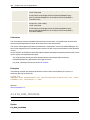
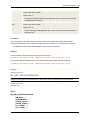
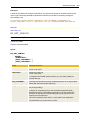
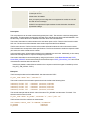
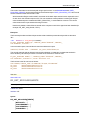
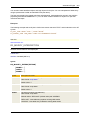
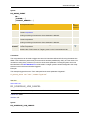
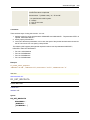
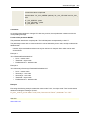
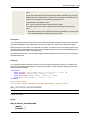
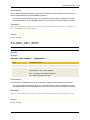
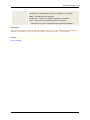
this file is registered as Job output. Otherwise, the Job aborts.
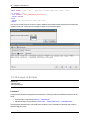
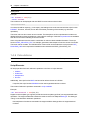
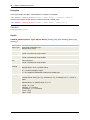
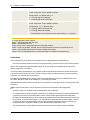
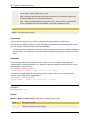
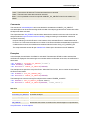
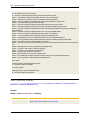
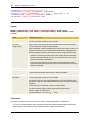
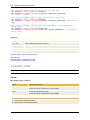
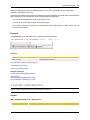
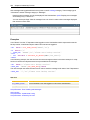
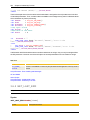
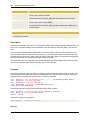
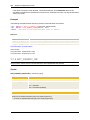
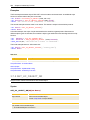
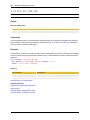
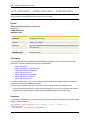
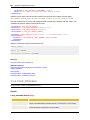
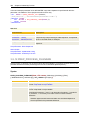
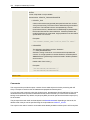
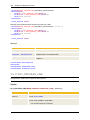
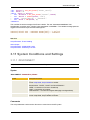
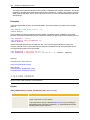
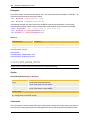
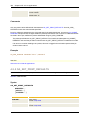
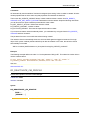
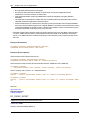
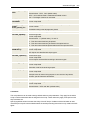
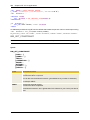
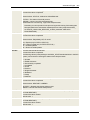
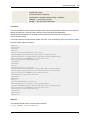
dir C:\temp /S >> C:\temp\test.txt
@set retcode=%errorlevel% !
@if NOT %ERRORLEVEL% == 0 goto :retcode
:REGISTER_OUTPUTFILE"C:\temp\test.txt", "N"
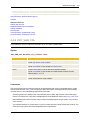
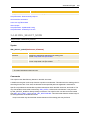
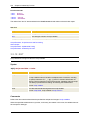
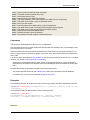
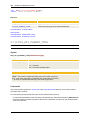
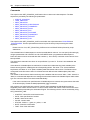
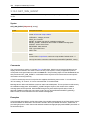
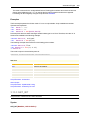
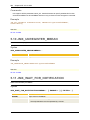
See also:
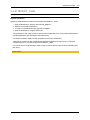
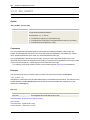
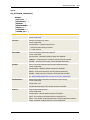
Script Elements - Script Structure and Processing
About Scripts
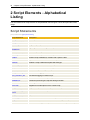
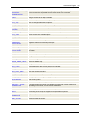
Script Elements - Alphabetical Listing
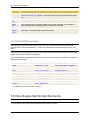
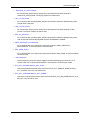
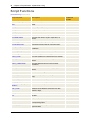
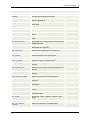
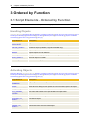
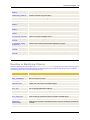
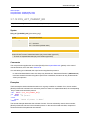
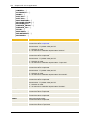
Script Elements - Ordered by Function
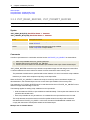
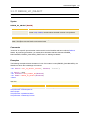
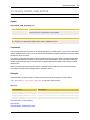
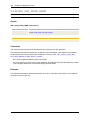
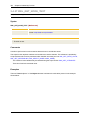
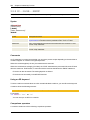
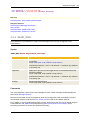
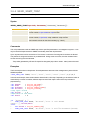
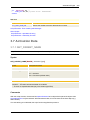
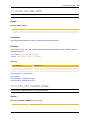
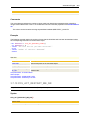
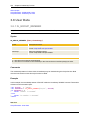
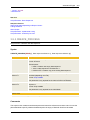
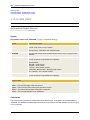
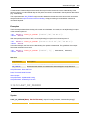
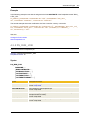
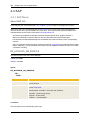
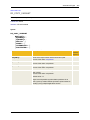
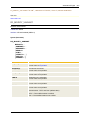
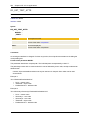
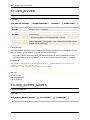
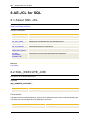
3.2.2 CREATE_OBJECT
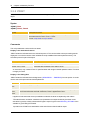
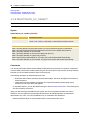
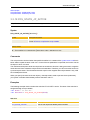
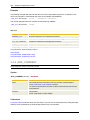
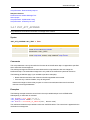
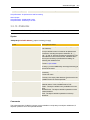
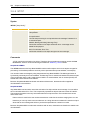
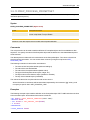
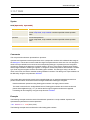
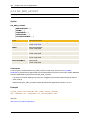
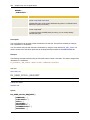
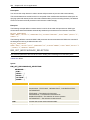
Script Function: Creates an object (Calendar, Login and Variable only).
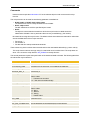
General Information
l
l
l
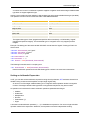
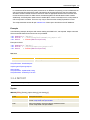
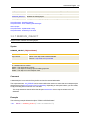
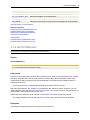
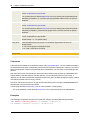
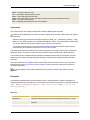
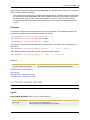
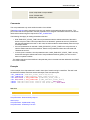
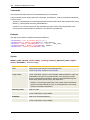
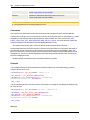
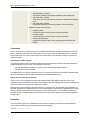
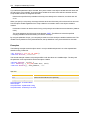
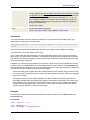
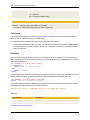
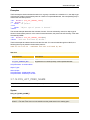
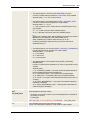
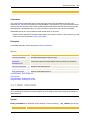
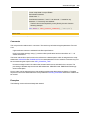
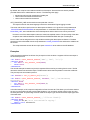
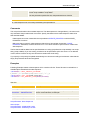
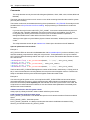
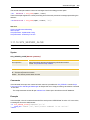
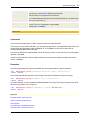
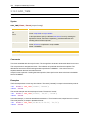
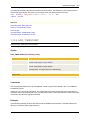
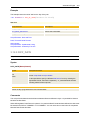
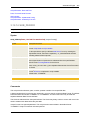
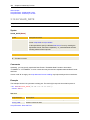
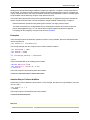
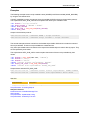
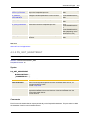
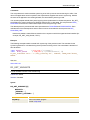
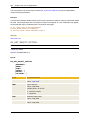
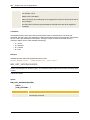
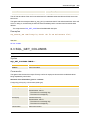
Only objects of the object types "Calendar", "Login" and "Variable" (only static) can be created with
this Script function.
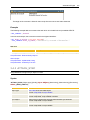
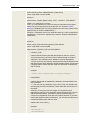
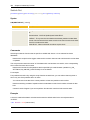
Use the script statement :ON_ERROR to define the reaction to errors that might occur. It is also
possible to analyze error messages with the script functions dealing with the handling of errors (see
links on bottom of this page). By default, script processing is continued but it can also be stopped.
You require a write privilege (W) for the object types Calendar, Login and Variable to be able to
create them.
l
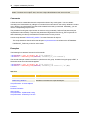
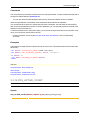
The script statement causes all open transactions of the script to be written to the AE database.
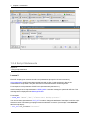
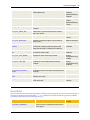
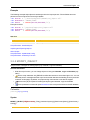
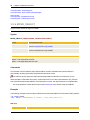
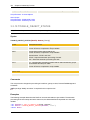
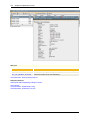
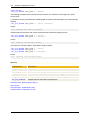
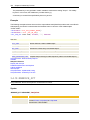
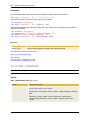
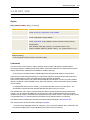
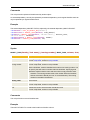
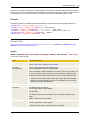
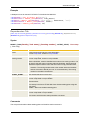
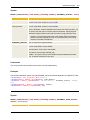
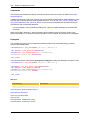
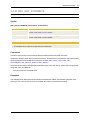
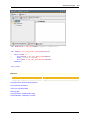
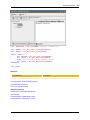
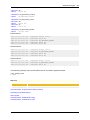
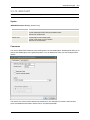
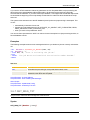
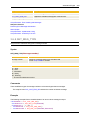
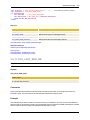
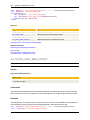
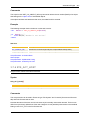
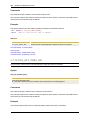
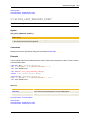
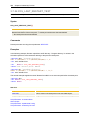
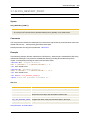
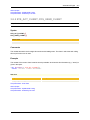
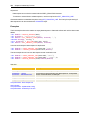
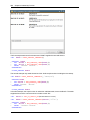
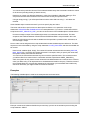
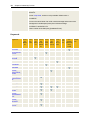
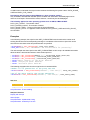
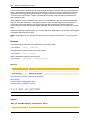
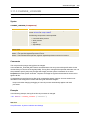
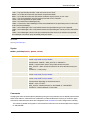
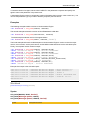
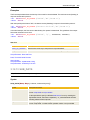
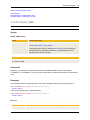
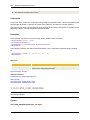
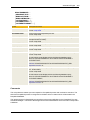
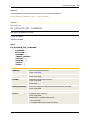
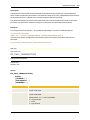
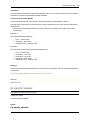
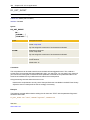
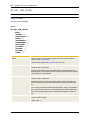
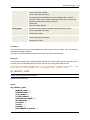
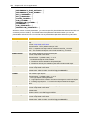
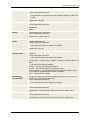
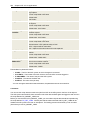
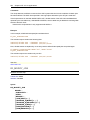
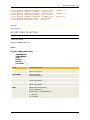
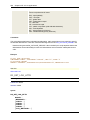
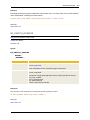
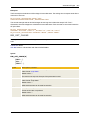
Calendar
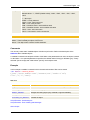
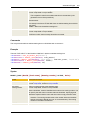
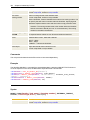
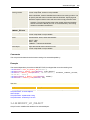
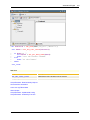
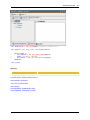
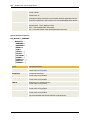
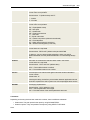
[Calendar] [Login] [Variable]
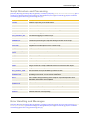
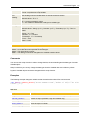
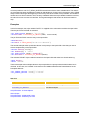
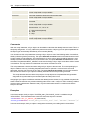
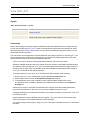
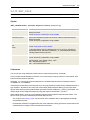
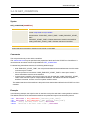
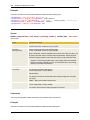
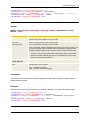
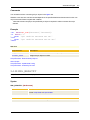
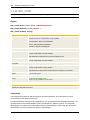
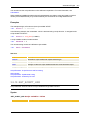
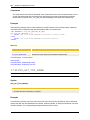
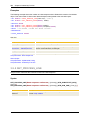
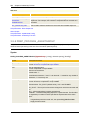
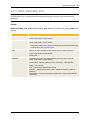
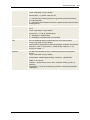
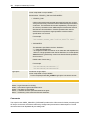
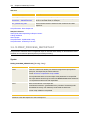
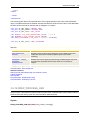
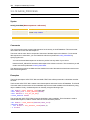
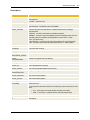
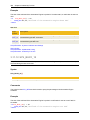
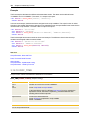
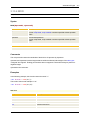
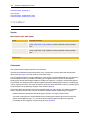
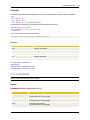
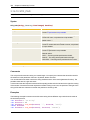
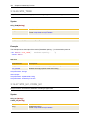
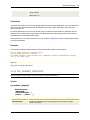
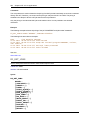
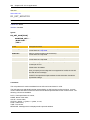
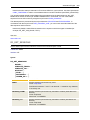
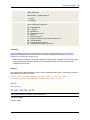
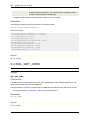
Syntax
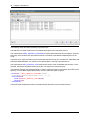
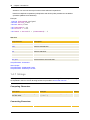
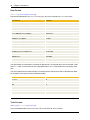
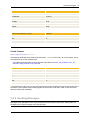
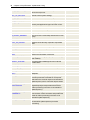
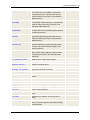
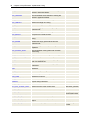
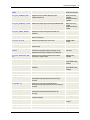
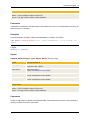
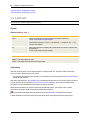
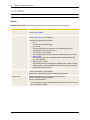
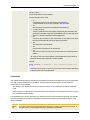
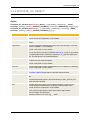
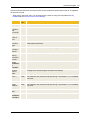
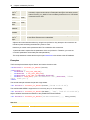
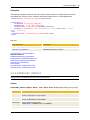
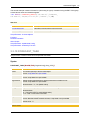
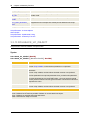
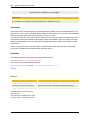
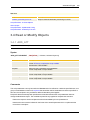
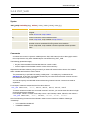
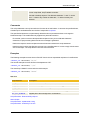
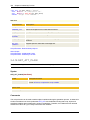
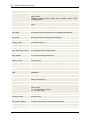
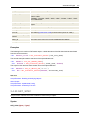
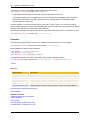
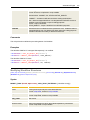
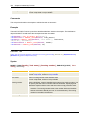
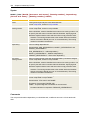
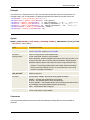
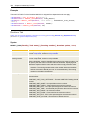
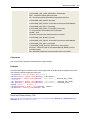
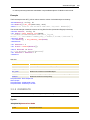
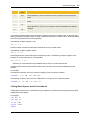
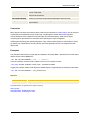
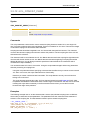
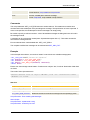
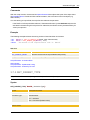
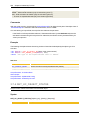
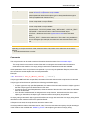
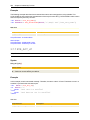
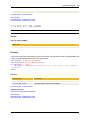
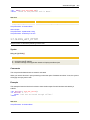
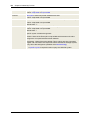
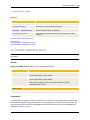
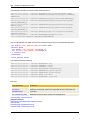
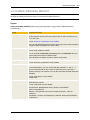
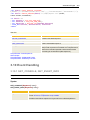
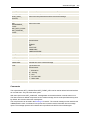
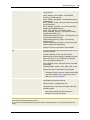
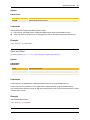
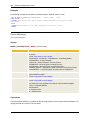
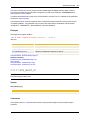
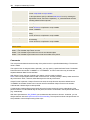
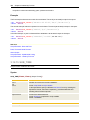
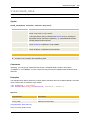
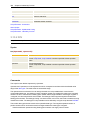
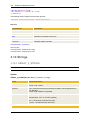
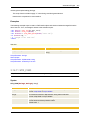
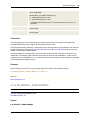
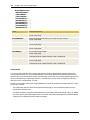
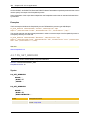
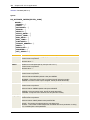
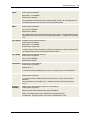
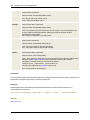
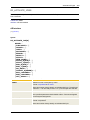
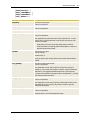
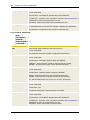
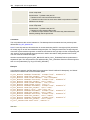
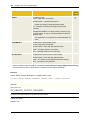
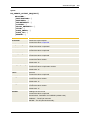
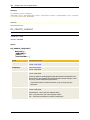
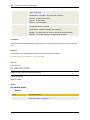
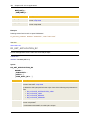
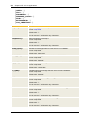
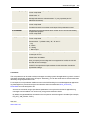
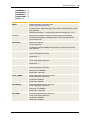
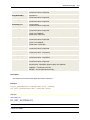
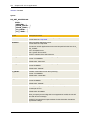
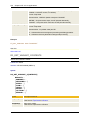
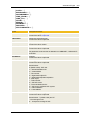
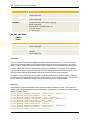
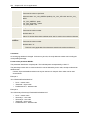
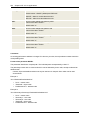
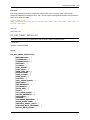
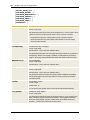
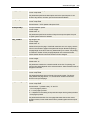
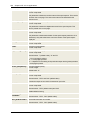
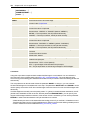
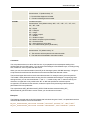
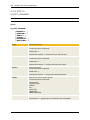
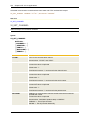
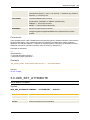
CREATE_OBJECT(Object Type, Object Name, [Folder], [Title] )
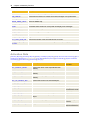
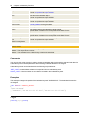
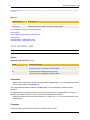
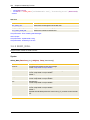
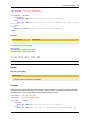
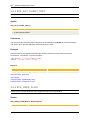
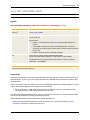
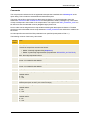
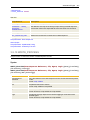
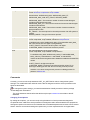
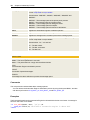
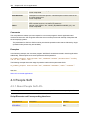
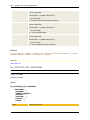
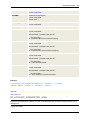
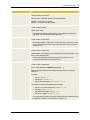
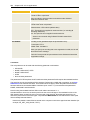
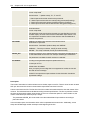
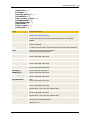
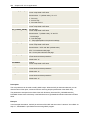
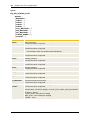
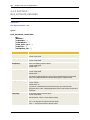
Syntax
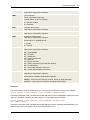
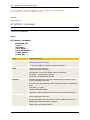
Description/Format
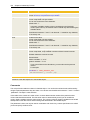
Object Type
Short Label of the object type
Significant value: CALE
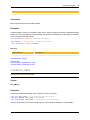
Object Name
Name of the object
Format: script literal or script variable
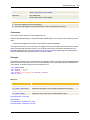
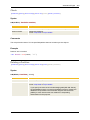
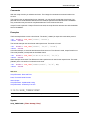
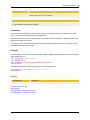
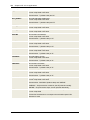
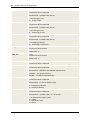
Folder
Name of the folder in which the object is to be created
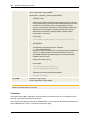
Format: script literal or script variable Title
Title of the object
Format: script literal or script variable