1
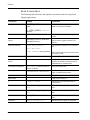
Locator Toolbar Options
Changing the User Password
Changing the User Password
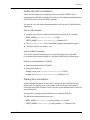
Locator allows you to change your assigned Vault password after you have signed
on.
1.
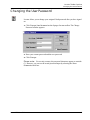
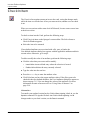
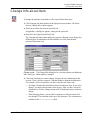
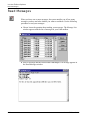
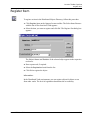
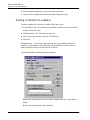
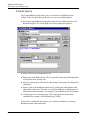
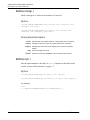
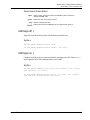
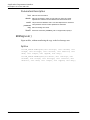
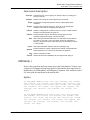
Click Change User Password on the Optegra Locator toolbar. The Change
Password window appears.
2.
Enter your current password and the new password.
3.
Click Change.
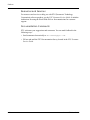
Please note: For security reasons, the password characters appear as asterisks
(*). However, you can see the actual password input by selecting the Show
Passwords check box.
Locator/PC User Guide
3-7