1
1. Introduction
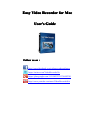
Easy Video Recorder for Mac is a great choice for those who want to record online
videos, game missions, screencasts as well as create presentations or video
tutorials with amazing video and audio quality!
When the Easy Video Recorder was installed, you will see an icon on the computer
screen. Click the icon to launch it. Then you may set the options to begin recording
video from your screen and audio from your microphone to a QuickTime movie.
In the following pages, you will learn all the main features of Easy Video Recorder
for Mac.
2. Basics
2-1. The Main Window
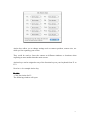
The main window contains all the basic settings that you will need to record your
screen: