1
Chapter 6
Function Introduction
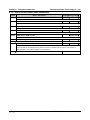
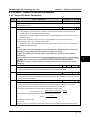
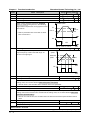
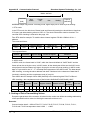
Code
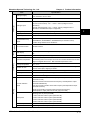
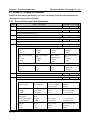
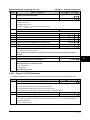
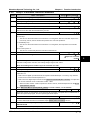
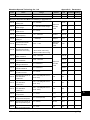
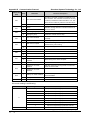
F00.05
Shenzhen Hpmont Technology Co., Ltd.
Name Description
Range【factory setting】
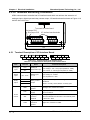
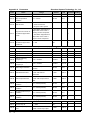
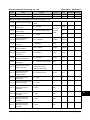
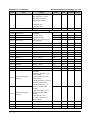
Operating mode
0-5【0】
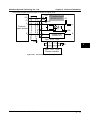
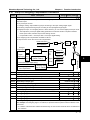
0: Panel control.
• Controlled by pressing the RUN or STOP key of the panel. Set the run speed in F00.07.
1: Terminal analogue control.
• The run command is controlled by UP and DN of the terminal; and the run speed is set by analogue
input terminals.
2: Terminal MS control.
• The run command is controlled by UP and DN of the terminal; and the run speed is set by MS1-
MS3 multi-step speed terminal combination.
3: Reserved.
4: SCI control.
• The run command and the run multi-step speed are set by PC communication.
5: Reserved.
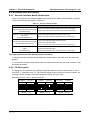
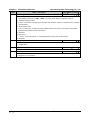
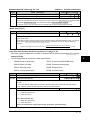
F00.06
M-key function
0,1【0】
0: Disable.
1: UP/DN switch.
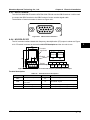
F00.07
Speed setting of panel
0.000-F00.02【1.500m/s】
When F00.05 = 0, it set the objective speed at running.
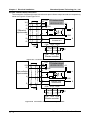
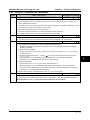
F00.08
Run direction
0,1【0】
0: The same as run command.
1: Opposite to run command.
―60―
HD5L Series Controller
User Manual