1
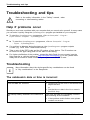
Troubleshooting and tips
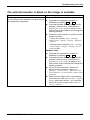
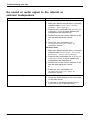
The notebook cannot be started
Notebook:
Cause
The battery is not installed correctly.
The battery is flat.
Troubleshooting
► Switch the notebook off.
► Check whether the battery is installed
correctly in its compartment.
► Switch the notebook on.
► Charge the battery.
or
► Install a charged battery.
or
The mains adapter is not connected correctly.
►
►
►
►
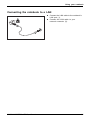
► Connect the notebook to a mains outlet
using the mains adapter.
Switch the notebook off.
Check whether the mains adapter is
connected correctly to the notebook.
Check whether the power cable is plugged
properly into the power adapter and into the
electrical outlet.
Switch the notebook on.
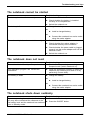
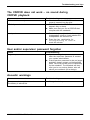
The notebook does not react
Notebook:
Cause
The notebook is in Standby or Suspend mode.
The application program has caused the
malfunction
The battery is dead.
Troubleshooting
► Disable Standby mode (press a key) or
Suspend mode (switch notebook on).
► Close the application program or restart the
notebook (by switching it off and on or by
performing a warm boot).
► Charge the battery.
or
► Install a charged battery.
or
► Connect the notebook to a mains outlet
using the mains adapter.
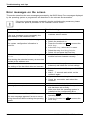
The notebook shuts down suddenly
Notebook
Troubleshooting
Cause
If you are operating the notebook with a battery, ► Connect the mains adapter.
you may have overlooked the reference to the
► Press the ON/OFF button.
low battery level and the notebook has switched
over to Standby mode.
A26391-K200-Z226-1-7619, edition 1
59