1
Chapter 20
User Preferences
20.1 User Preferences
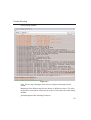
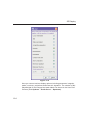
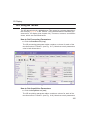
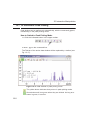
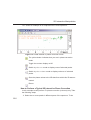
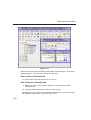
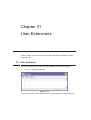
TOPSPIN can be tailored to your preference in many respects. This ranges
from startup options to spectrum objects, menu settings, remote connections etc. Every standard user can create his/her own set of preferences.
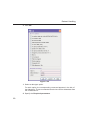
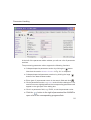
To set user preferences:
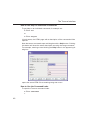
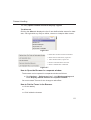
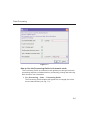
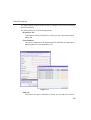
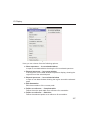
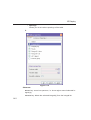
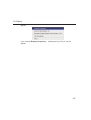
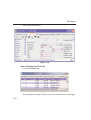
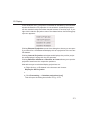
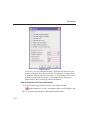
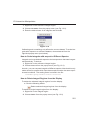
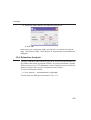
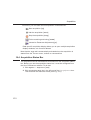
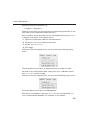
• Click Options
Preferences [set]
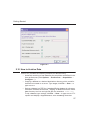
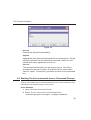
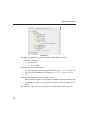
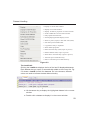
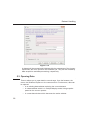
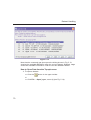
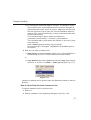
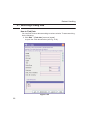
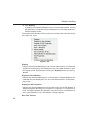
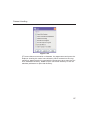
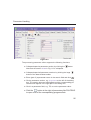
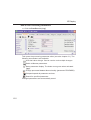
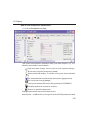
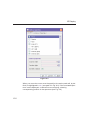
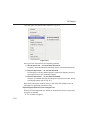
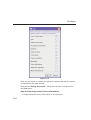
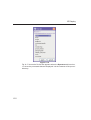
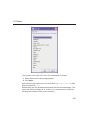
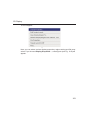
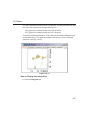
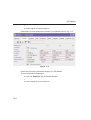
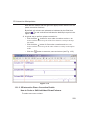
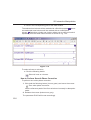
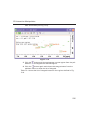
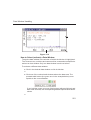
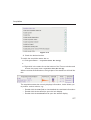
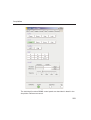
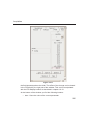
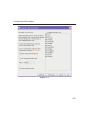
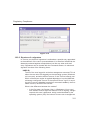
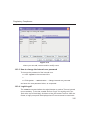
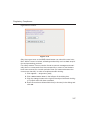
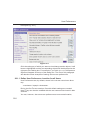
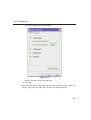
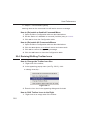
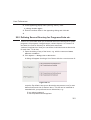
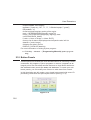
A dialog box will appear with, at the left side, the categories that can be tai-