1
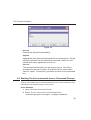
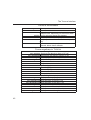
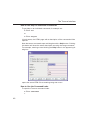
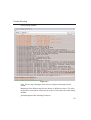
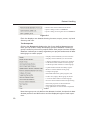
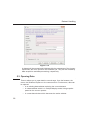
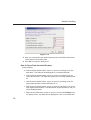
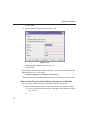
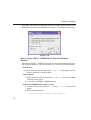
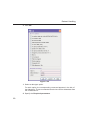
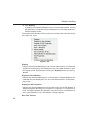
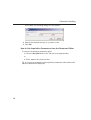
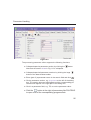
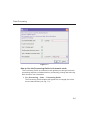
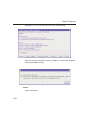
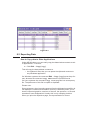
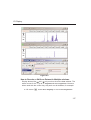
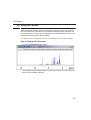
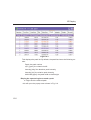
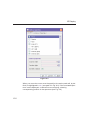
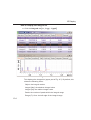
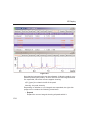
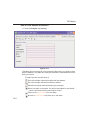
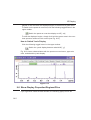
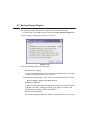
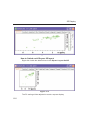
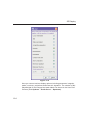
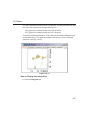
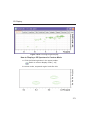
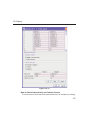
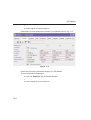
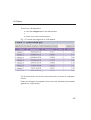
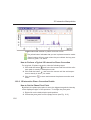
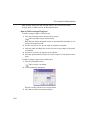
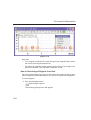
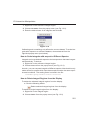
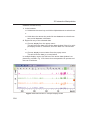
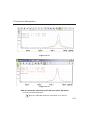
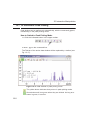
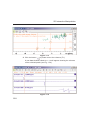
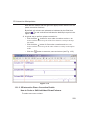
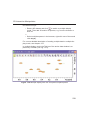
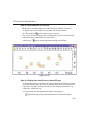
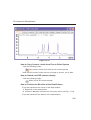
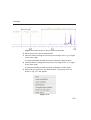
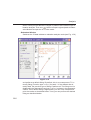
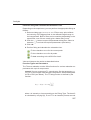
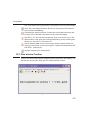
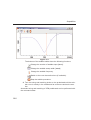
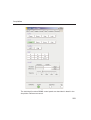
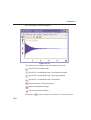
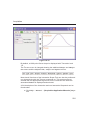
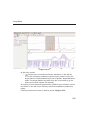
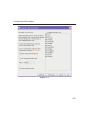
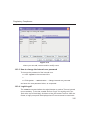
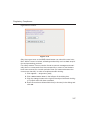
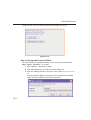
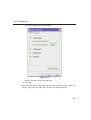
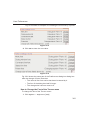
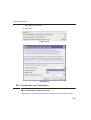
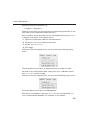
Figure 8.3
8.2 Exporting Data
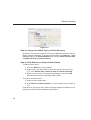
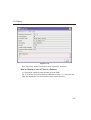
How to Copy data to Other Applications
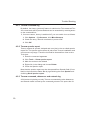
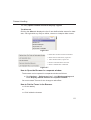
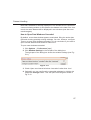
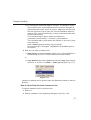
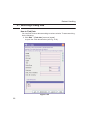
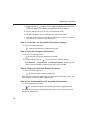
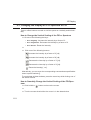
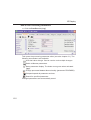
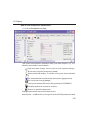
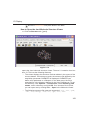
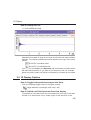
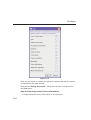
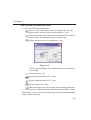
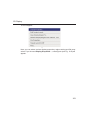
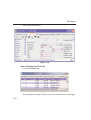
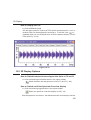
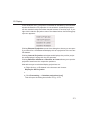
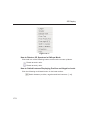
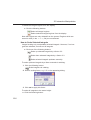
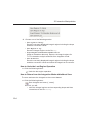
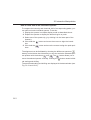
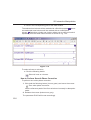
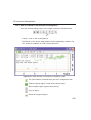
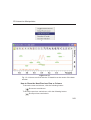
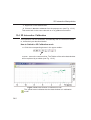
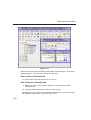
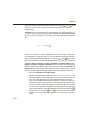
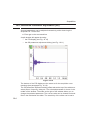
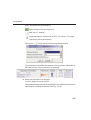
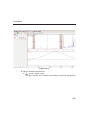
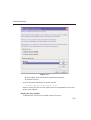
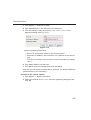
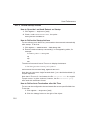
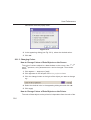
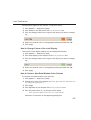
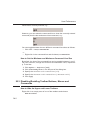
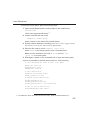
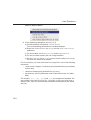
Under MS Windows, you can easily copy the data window contents to other applications. To do that:
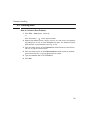
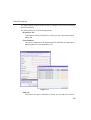
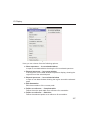
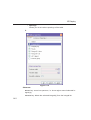
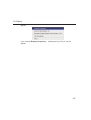
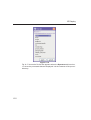
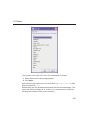
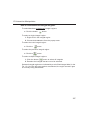
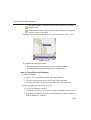
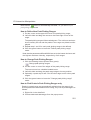
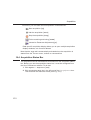
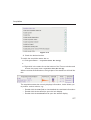
Click Edit
Copy [copy].
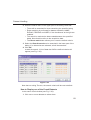
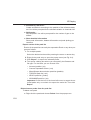
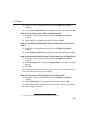
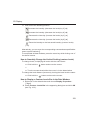
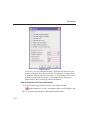
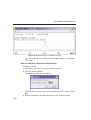
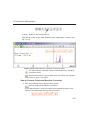
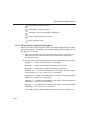
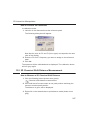
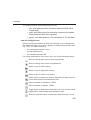
This will copy the data window contents to:
• the clipboard. After that you can paste the clipboard contents to
any Windows application.
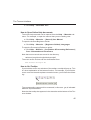
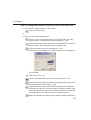
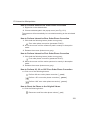
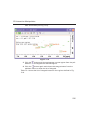
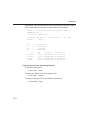
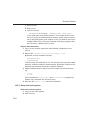
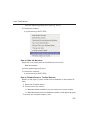
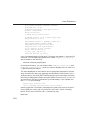
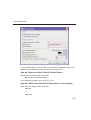
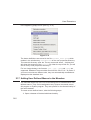
On Windows systems the command Edit Copy [copy] saves bmp-format, whereas the command copy wmf stores the old wmf-format.
On Linux systems the command copy stores png-files into a temporary
file. The pathname of this file is copied to clipboard.
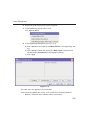
Please note:
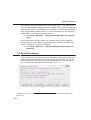
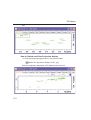
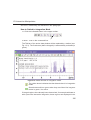
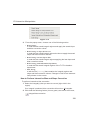
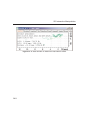
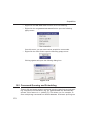
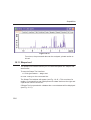
Some programs, when importing spectra from the clipboard or metafile, do
not display the contained information correctly. Particularly when you resize the imported graphics, sections of the text, the spectrum, or the axis
sometimes have disappeared. Usually this is only a display problem.
When you print the respective page, the representation is correct.