1
Chapter 6 Bi-directional OTDR
Performing a bi-directional measurement
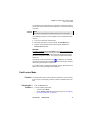
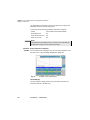
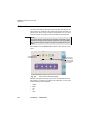
Fiber link check
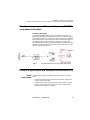
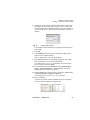
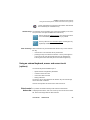
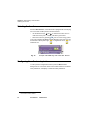
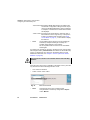
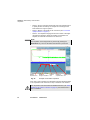
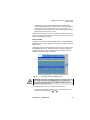
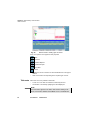
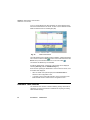
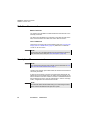
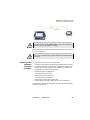
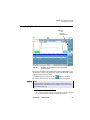
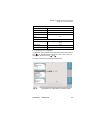
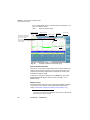
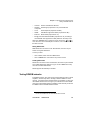
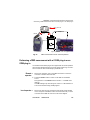
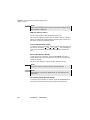
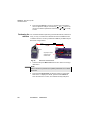
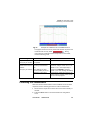
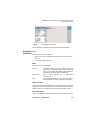
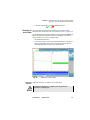
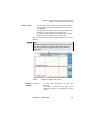
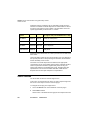
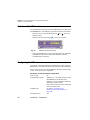
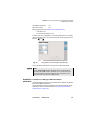
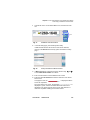
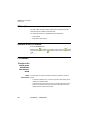
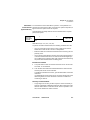
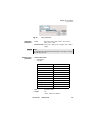
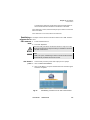
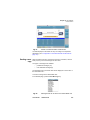
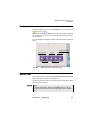
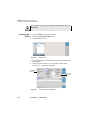
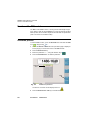
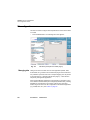
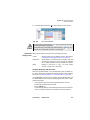
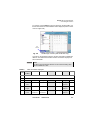
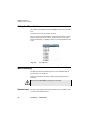
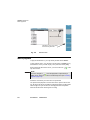
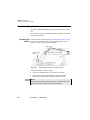
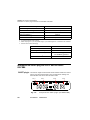
To ensure that the two units are connected to the same fiber under test,
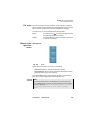
select Check same fiber. If the fiber is the same at both extremities, a
symbol will be displayed on the measurement status zone.
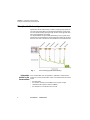
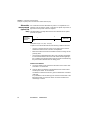
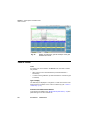
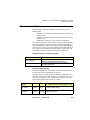
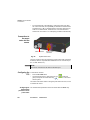
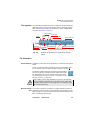
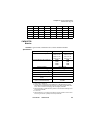
Measurement Fiber measurement
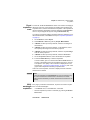
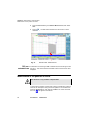
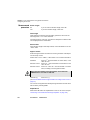
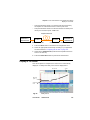
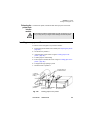
process Step 1.
–
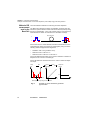
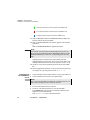
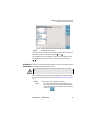
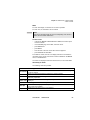
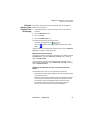
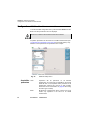
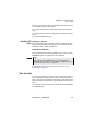
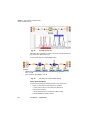
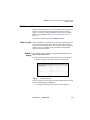
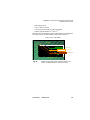
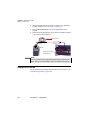
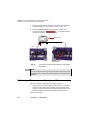
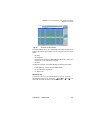
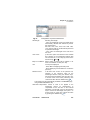
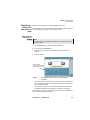
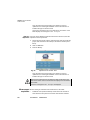
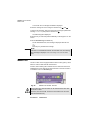
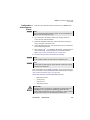
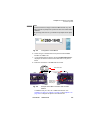
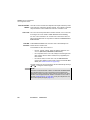
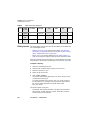
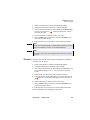
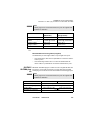
Choose to use the markers stored in memory or not by selecting
Lock Evt or Free Evts.
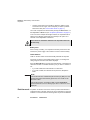
NOTE
If the markers events are already defined for the link, you may select
the Lock Evt key. This implies that the unit will now perform measurements with those markers. Otherwise select Free Evts.
–
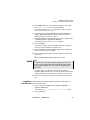
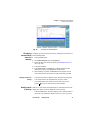
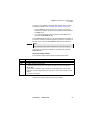
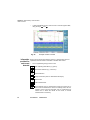
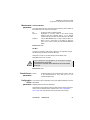
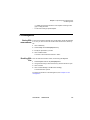
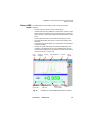
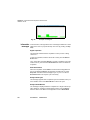
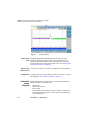
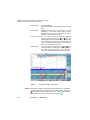
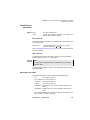
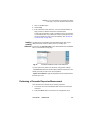
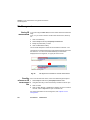
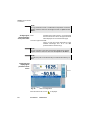
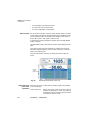
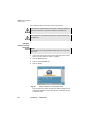
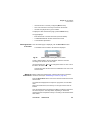
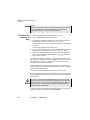
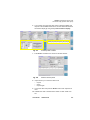
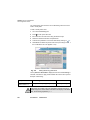
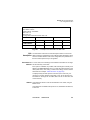
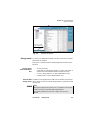
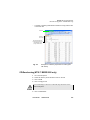
Press START to begin the measurement.
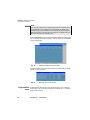
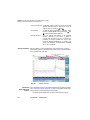
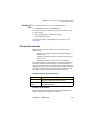
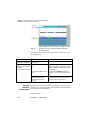
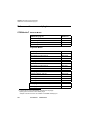
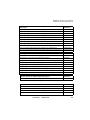
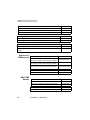
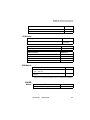
The line Check if same set up on both units becomes In progress... .
NOTE
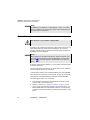
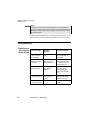
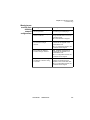
A warning may occur if the configurations of the two units are different
(see "Warning/errors resulting from checking common configurations"
page 103).
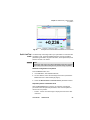
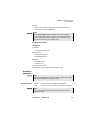
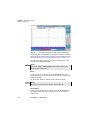
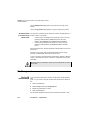
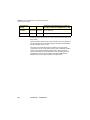
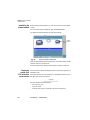
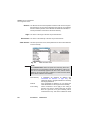
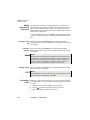
The begin launch cable is transferred to the end launch cable, and the
end launch cable is transferred to the begin launch cable. The master
Base Unit must indeed know both extremities of the fiber and will send
the information to the slave Base Unit. The direction of the link is
defined by the master Base Unit, which transmits the opposite direction
to the slave Base Unit.
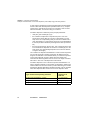
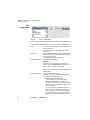
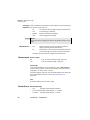
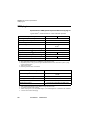
In the File configuration, each Base Unit points to its own directory. Only
the master Base Unit may save a measurement. <Auto storage> and
<File type> parameters only concern the master unit and are not compared or transferred to the slave Base Unit.
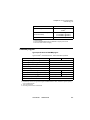
The list of lasers for which a measurement will be performed is set by
the master Base Unit. If these lasters are not all available on the slave
Base Unit, the list shall be restricted to the ones that are available.
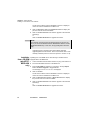
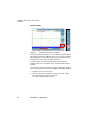
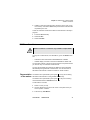
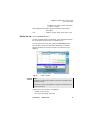
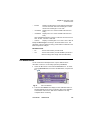
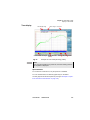
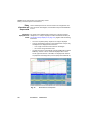
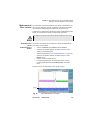
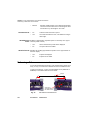
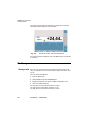
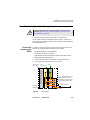
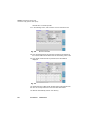
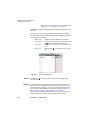
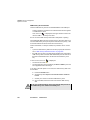
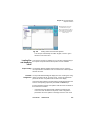
When both menus SETUP and FILE are identical, the validation symbol
is displayed and the process goes to Step 2.
User Manual
780000102/16
95