1
The File Menu
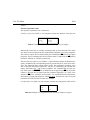
P-86
and install their C sources in the working directory
/u/exp/stan/nmr/au/src/,
and their executables in
INDEX
/u/prog/<XWIN-NMR version>/au/bin/.
DONE
INDEX
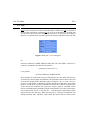
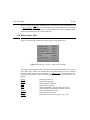
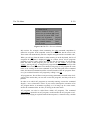
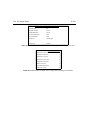
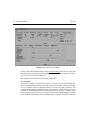
The command edau may also be entered on the keyboard, followed by the name of
the desired AU program, or followed by an argument containing wildcard characters (see edpul and how to change the default text editor for details).
edau is almost identical to the command edaumod . The only difference is that
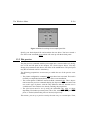
when edau is called, AU programs are displayed, while edaumod shows the socalled AU modules. You can switch to AU module display by clicking on the
>Modules command button at the bottom of the dialog box.
5.3.7 Macros [edmac]
Macros are text files containing XWIN-NMR commands. This command allows you
to create a new macro, and to edit or view an existing one. The purpose of macros
is to implement user defined commands in XWIN-NMR, based on XWIN-NMR internal commands. In contrast to AU programs, macros do not allow for control structures such as loops and branches, nor arithmetic expressions. The new command is
just the name of the macro, and can be entered on the keyboard or called in other
macros (see menu File->Execute). Macros can also be called in executable AU
program.
XWIN-NMR locates macros in the directory
/u/exp/stan/nmr/lists/mac/
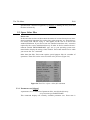
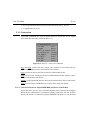
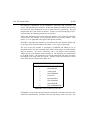
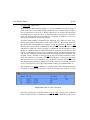
The command edmac displays all macros in this directory in a dialog box from
where the desired one may be selected.
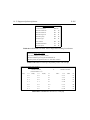
The command edmac may also be entered on the keyboard, followed by the name
of the desired macro, or followed by an argument containing wildcard characters
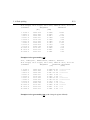
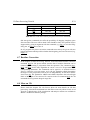
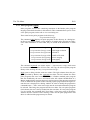
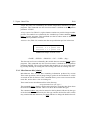
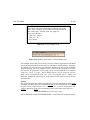
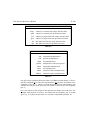
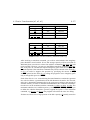
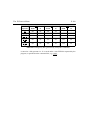
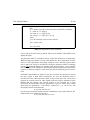
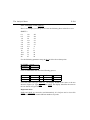
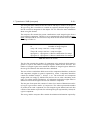
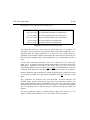
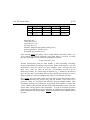
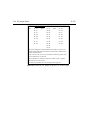
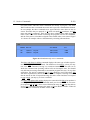
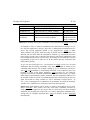
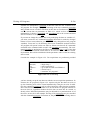
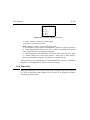
(see edpul and how to change the default text editor for details). Table 5.5 shows
an example. The charcacter ’#’ signals the beginning of a comment. Otherwise,
each line corresponds to a XWIN-NMR command, which is specified exactly the
way it would be entered on the command line.
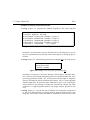
5.3.8 Parameter lists [edlist]
Parameter lists are text files containing a series of values for parameters which may