1
TRENDnet User’s Guide
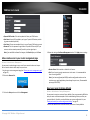
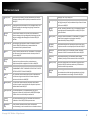
Change your router login password ............................................................................ 39
Table of contents
Appendix ...................................................................................... 54
Change your device name ........................................................................................... 40
Change your device URL .............................................................................................. 40
Identify your network on the Internet......................................................................... 41
Allow remote access to your router management page ............................................. 42
Reset your router to factory defaults .......................................................................... 42
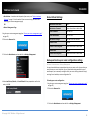
Router Default Settings ............................................................................................... 43
Backup and restore your router configuration settings .............................................. 43
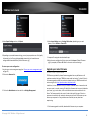
Upgrade your router firmware .................................................................................... 44
Reboot your router ...................................................................................................... 45
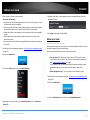
Allow/deny ping requests to your router from the Internet ....................................... 46
Check the router system information.......................................................................... 46
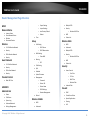
Router Management Page Structure ............................................. 50
Technical Specifications................................................................. 51
Troubleshooting ............................................................................ 53
© Copyright 2013 TRENDnet. All Rights Reserved.
3