1
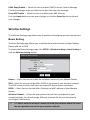
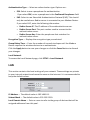
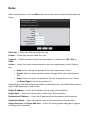
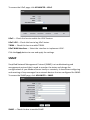
Dos Protection Option — Check the appropriate boxes to enable protection from
SYN flood, FIN flood, UDP flood, ICMP flood, SMURF, IP spoofing, and others. Enter
the flood count numbers or retain the default values if you are unsure about them.
Check the Apply button to save and activate DoS protection or click the Cancel
button to discard your changes.
Domain Blocking
This page allows you to deny network devices to access specific domains such as an
http and an ftp.
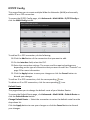
To access the Domain Blocking page, click ADVANCED > Firewall > Domain Blocking
or click the Domain Blocking button.
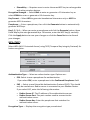
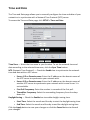
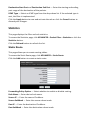
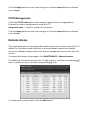
Domain Blocking — Check this box to enable domain blocking. Click the Apply
button to activate domain blocking.
To Block Domains
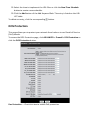
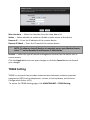
34.On the Domain field, enter the domain name to block.
35.Select the time to implement the domain blocking or click the New Time
Schedule button to create a new schedule.
36.Click the Add button to add the domain. The entry is listed on the DOMAIN
LIST table.
To delete an entry, click the corresponding
icon.
DMZ
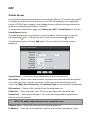
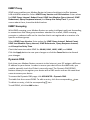
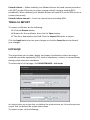
A DMZ (Demilitarized Zone) sets a single computer, called a DMZ host, on your
network to have unrestricted Internet access. This function is useful for gaming
purposes or when a computer on your network cannot access the Internet properly.
However, this places the DMZ host outside the firewall and exposes it to security
risks.
To access the DMZ page, click ADVANCED > Firewall > DMZ or click the DMZ button.