1
10C
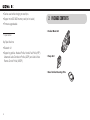
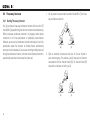
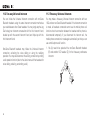
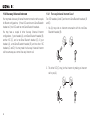
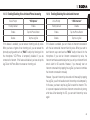
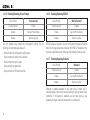
3.1.2 Using the Glued Surface Mounting Plate
If you cannot install the clamp unit on the helmet, you can use the
glued surface mounting plate to attach the clamp unit to the surface of
the helmet.
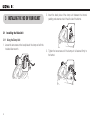
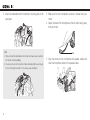
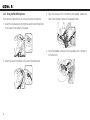
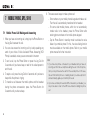
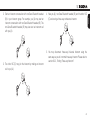
1. Clean the area on the left side of the helmet where you will attach
the glued surface mounting plate with a moistened towel and dry
thoroughly.
2. Peel off the cover of adhesive tape of the glued surface mounting
plate and attach it to the helmet.
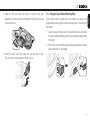
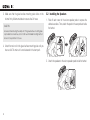
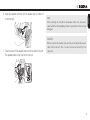
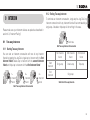
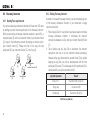
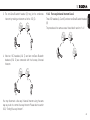
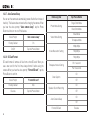
5. Attach the main unit to the clamp unit until you hear a click.
The main unit is now fastened to the clamp unit.
9
English
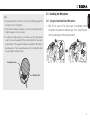
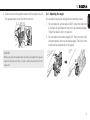
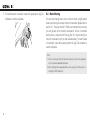
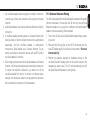
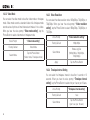
4. Open the SD card cover and insert a microSD card (sold
separately) into the card slot on the bottom of the main unit to use
camera functions.