1
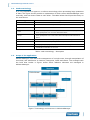
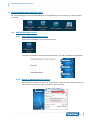
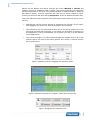
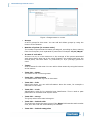
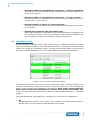
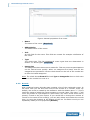
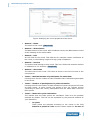
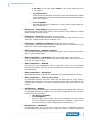
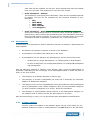
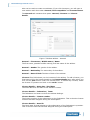
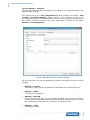
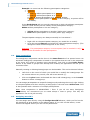
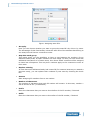
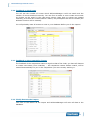
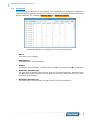
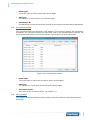
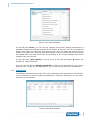
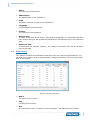
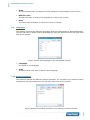
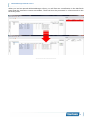
AthleticsManager Manual 2015v1 Name The Name-field contains the name of the event. For a single event with multiple rounds, the round name stands between brackets. For combined events, the event name stands between brackets. Event time planned The time when this event or this round is scheduled. Official The time when this event or round is made official. Session The session to which this event belongs. Event The event to which this round belongs OR the combined events to which this event belongs. Number of participants The number of participants that is registered for this event or this round. Number of heats The number of heats for track events or the amount of groups for field events, into which this event or this round is divided. Background colour The background colour of a row symbolizes the status of the event or the round. White : Waiting for participants. Grey : Waiting for results. Light blue : Event has started. Yellow : Results are available. Green : Results are official. Red : Results are corrected after making official. Note: When all sessions are shown, and you have sorted by Event time planned, then first the date and time of the sessions are taken into account, and secondly the time of Event time planned. 4.2.1. General When you add a new event, or you modify an existing event, a window with two tab pages will open: The event properties. This window consists of two tab pages: General and Rounds. The General-tab applies for all types of events and contains general settings for this event. 33