1
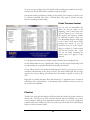
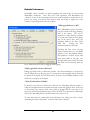
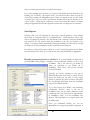
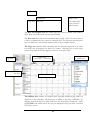
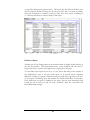
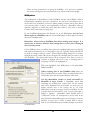
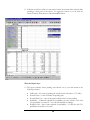
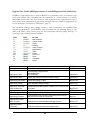
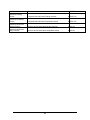
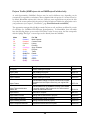
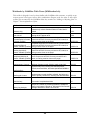
The order of the columns here was set when you originally created the MasterMine
report. See “Field List Controls” on page 53 for instructions on setting the order at the
time of report creation. These fields can also be re-arranged after the report exists. See
“Resort Columns for Drilldown” on page 125.
Charts and Graphs
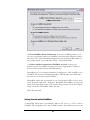
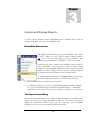
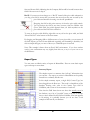
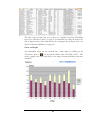
Any MasterMine report can be converted into a chart simply by clicking on the
“PivotChart” button (
) on the Options ribbon under “PivotTable Tools”. This
creates a graphic view of the same table you are using on another worksheet in the same
workbook.
94