1
OmniRush v6 Administration & User Manual
The exact method for doing this varies from one CRM system to another. In
most cases, OmniRush works as a virtual secretary. Consider how a typical
CRM system allows you to delegate an activity to another member of your sales
team:
a. Go to the customer record.
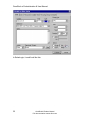
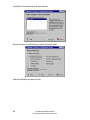
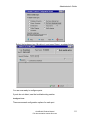
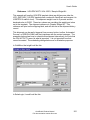
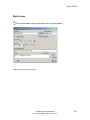
b. Schedule an activity (e.g. Schedule | To Do Item).
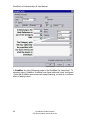
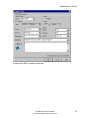
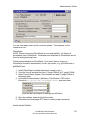
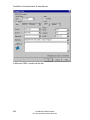
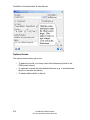
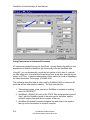
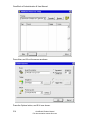
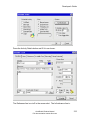
c. On the activity screen:
1.
Describe the action to do, e.g. Send Intro Literature Pack
2.
Assign the user who is to do the action, e.g. Jim Johnson,
Admin Assistant
3.
Set the date and time for the action to happen on (usually
now, but it could be for a day or time in the future)
4.
field.
Optionally, type some cover note text on the activity notes
5.
Done, the task is now on Jim Johnson's list of things to do.
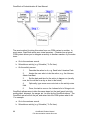
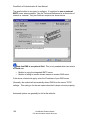
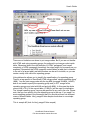
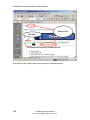
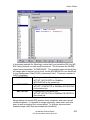
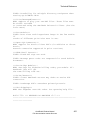
OmniRush allows users to take the same steps, but the task (email, print job,
mailing label, shipment, fax merge, etc.) is done by the OmniRush server. The
OmniRush server will do the job, and record into the CRM system what it did.
For example:
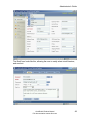
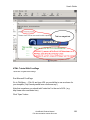
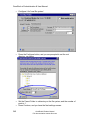
a. Go to the customer record.
b. Schedule an activity (e.g. Schedule | To Do Item).
44
OmniRush® Product Manual
Full documentation at www.zfirm.com