1
62
Series 5 Accounts Receivable- User Help
Standard Record Editing Functions
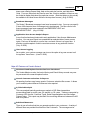
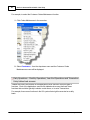
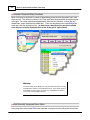
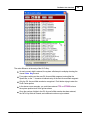
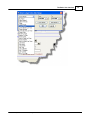
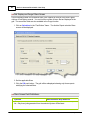
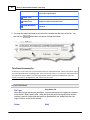
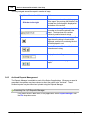
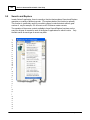
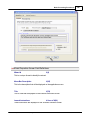
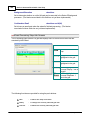
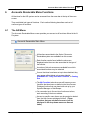
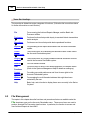
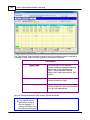
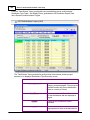
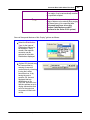
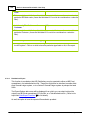
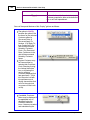
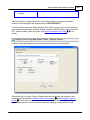
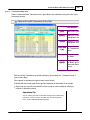
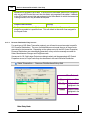
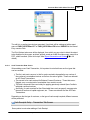
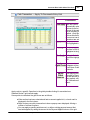
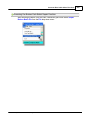
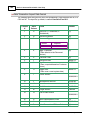
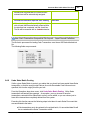
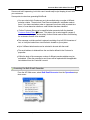
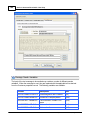
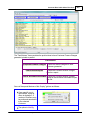
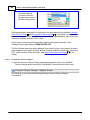
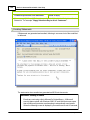
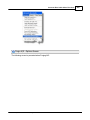
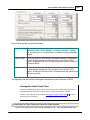
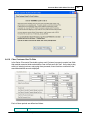
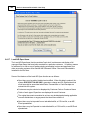
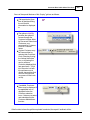
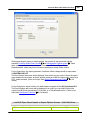
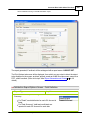
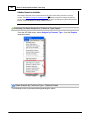
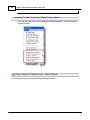
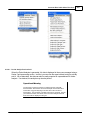
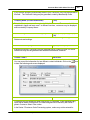
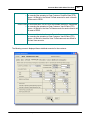
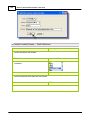
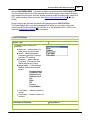
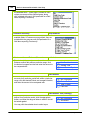
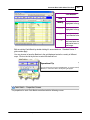
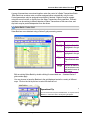
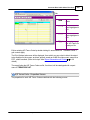
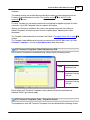
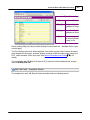
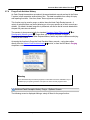
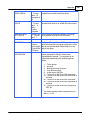
Most of the grids in the Series 5 system's applications provide an Edit drop-down menu from
the menu bar. This offers functions to Cut, Copy and Paste the associated records belonging
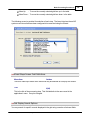
to the grid. For codes maintenance applications, there are also functions to Undo the last
deleted item; and to Undo the last edited item. From the drop down menu under Edit in the
menu-bar, click the desired function. (In most cases, these functions are also available
from the pop-up menu displayed when a row in the grid is right-clicked).
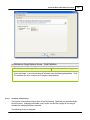
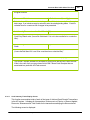
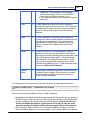
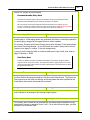
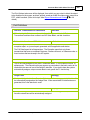
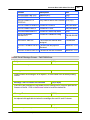
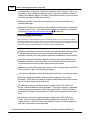
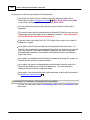
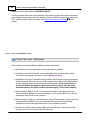
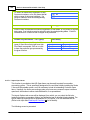
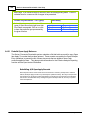
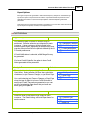
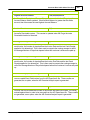
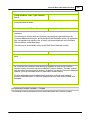
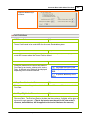
Warning
The Undo Delete, Undo Modify, Cut, Copy and Paste functions are only
operable while working in the particular function. If you exit the function
associated to the grid, when you return, any Cut, Modified or Deleted
record may not be Pasted or Undone.
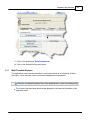
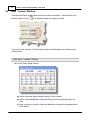
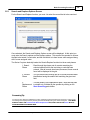
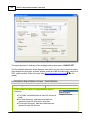
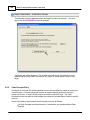
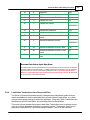
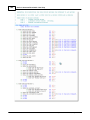
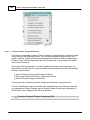
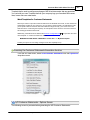
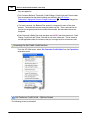
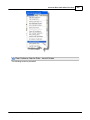
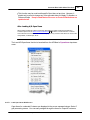
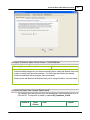
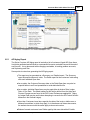
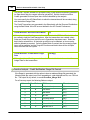
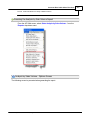
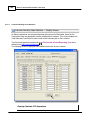
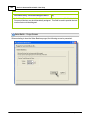
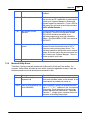
Most Recently Accessed Items Menu
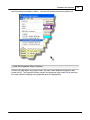
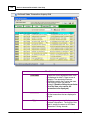
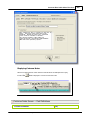
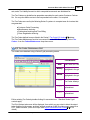
In the drop down menu under File in the menu-bar, most grid screens will provide a list of the
© 2007 - 2014 by Sentinel Hill Software, all rights reserved