1
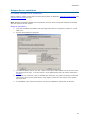
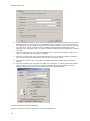
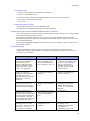
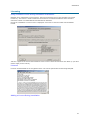
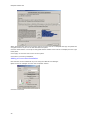
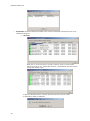
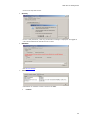
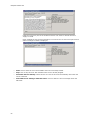
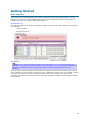
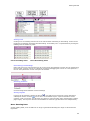
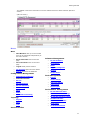
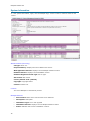
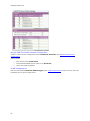
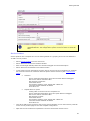
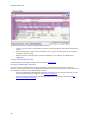
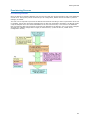
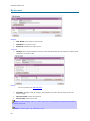
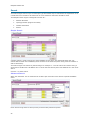
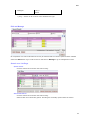
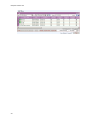
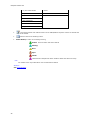
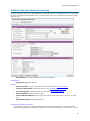
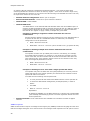
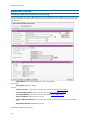
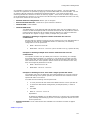
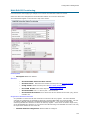
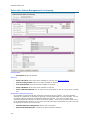
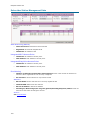
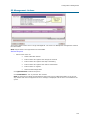
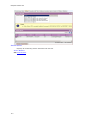
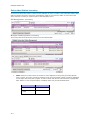
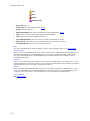
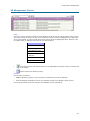
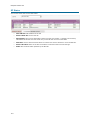
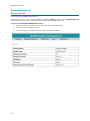
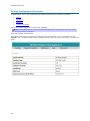
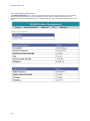
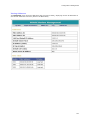
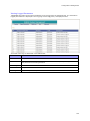
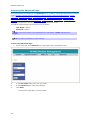
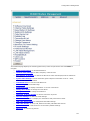
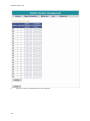
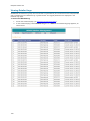
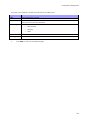
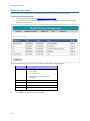
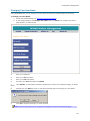
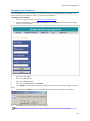
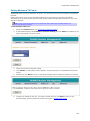
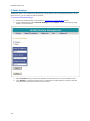
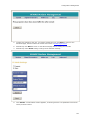
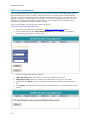
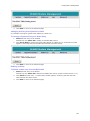
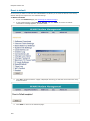
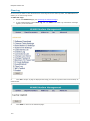
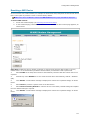
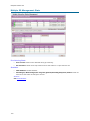
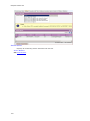
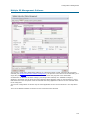
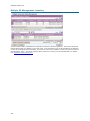
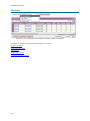
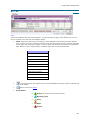
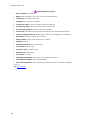
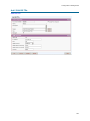
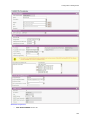
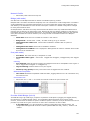
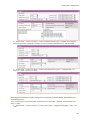
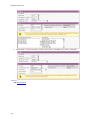
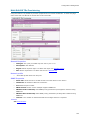
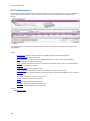
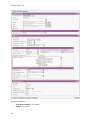
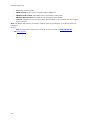
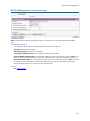
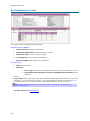
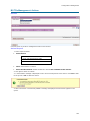
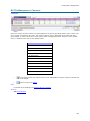
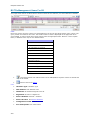
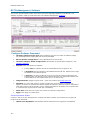
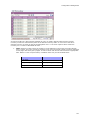
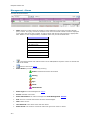
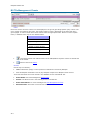
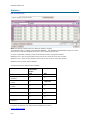
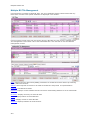
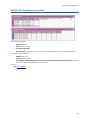
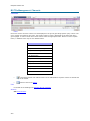
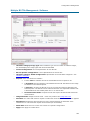
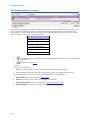
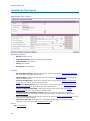
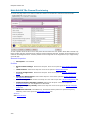
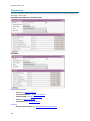
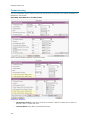
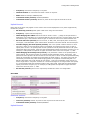
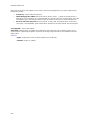
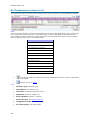
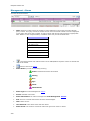
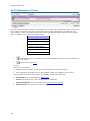
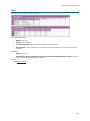
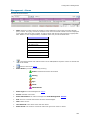
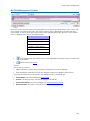
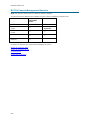
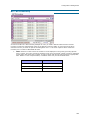
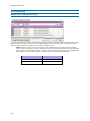
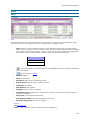
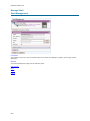
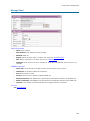
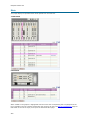
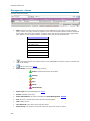
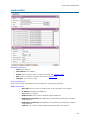
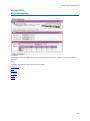
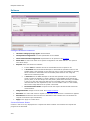
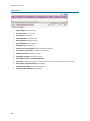
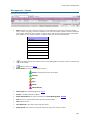
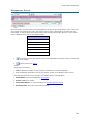
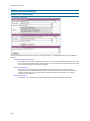
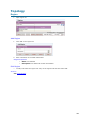
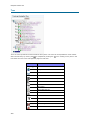
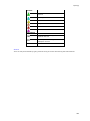
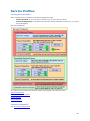
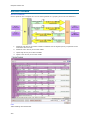
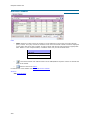
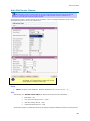
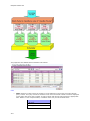
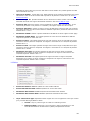
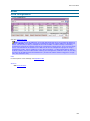
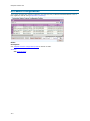
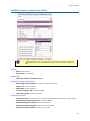
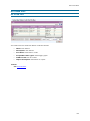
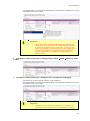
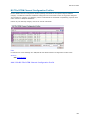
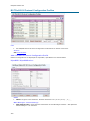
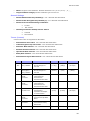
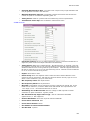
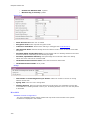
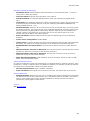
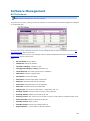
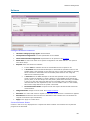
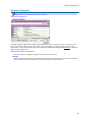
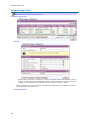
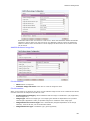
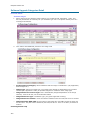
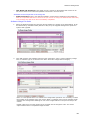
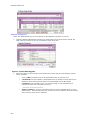
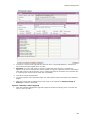
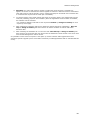
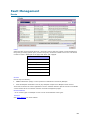
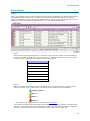
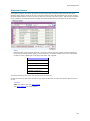
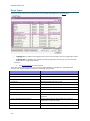
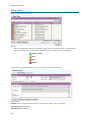
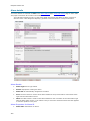
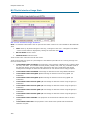
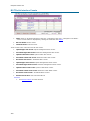
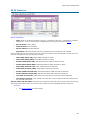
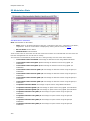
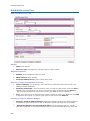
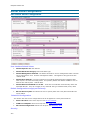
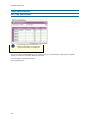
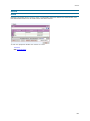
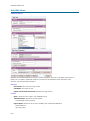
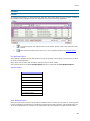
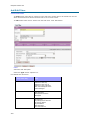
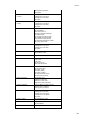
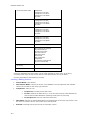
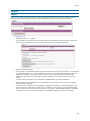
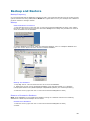
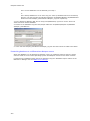
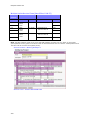
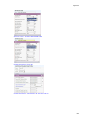
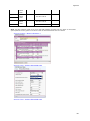
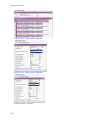
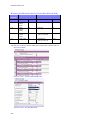
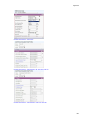
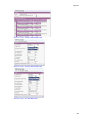
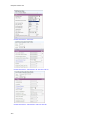
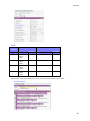
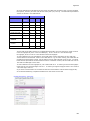
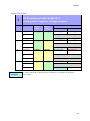
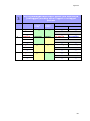
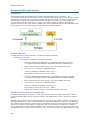
Netspan Release 6.5 Topology o Topology changes The topology hierarchy has been updated to recognise that: 1) HiperMAX BS TRxs are grouped together in Shelves 2) MicroMAX BS TRxs are grouped together by sharing a BSDU A Shelf list page has been introduced and shelves may be added, deleted and have their properties edited. The relationship between BS TRxs and Shelves is automatically determined by the discovery service. o Topology Navigation Tree The Topology Navigation Tree is a new view showing the hierarchy of items managed by Netspan and provides the following features: o Integrated search of Names and Ids as they appear in the tree. Layout is remembered so that the same items are shown next time the page is visited. Hyperlinks provide navigation to the management page or property page of each item. Icons show items that are unmanaged, are offline or have alarms associated with them. Additional information such as the IP Address is available in tooltips. Management Page Mini Tree The Mini Tree has been updated to provide the following new features: Shelf and BSDU is shown in the hierarchy when present It is possible to navigate down the hierarchy if a "+” button is shown. This gives the next level in the hierarchy and provides links to the appropriate management page. Software Upgrade o Introduction of ‟r;Download and Activate‟ command for BS TRx, SS and BSDU. o As a consequence of this, the status of ‟r;pending‟, ‟r;in progress‟, ‟r;completed‟, and ‟r;retrying‟ for this command are reported in ‟r;Upgrade categories list‟ page and ‟r;Edit upgrade category‟ page. o Additional column introduced in software compact report to report ‟r;retrying‟ state separately. o Additional row introduced in software compact report to report on BSDU. o Scheduling available in node specific management page, multi node management page and software category pages. Password Security o Improved Netspan password security with configurable security policy. User can select one of 3 policies: Basic, Medium and High Basic Security Policy is defined by what is implemented in Netspan SR5. This is a default policy. Medium Security Policy applies stricter rules on what strings are acceptable for password, eliminates obvious strings like "password”, "pass” and enforces password change of first login of a new user. High Security Policy, in addition to Medium one, introduces strict password recycling with configurable expiry period. Miscellaneous o 10 Use of AJAX technology