1
Billing
331
example, the description for the Paralegal category should read "Paralegal*".
When entering charges for files that are to be billed in the Tymetrix format, you must assign both a
Task Code and an Activity or Cost Code from the Uniform Task-Based Managment System set of
codes. These codes can be imported into Tussman automatically as described in the sections on
Task Codes, Activity Codes, and Cost Codes. You can configure the program to require a task code
when entering charges for a specific matter by going to that matter, clicking on the Z button and
entering Y. Or, you can require entry of a task code for all matters by setting option 6 in the
Data Entry Options screen to R. In either case, for the task code space to be operative in the data
entry screen when entering new charges, option 6 must not be set to N.
The cost code which you use when entering copy charges (code E101) must be assigned a unit
charge that does not exceed $.10 per copy, as described in the section on Cost Codes. When
recording copy charges for matters billed using Tymetrix, be sure to use that cost code and always
specify the number of copies in the Units space.
Before generating an electronic bill in the Tymetrix format, you must first generate it in the normal way
you generate bills using Tussman, so that the record of that bill appears in your list of new bills. Do
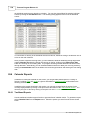
not finalize the bill at this point. Instead, to generate the Tymetrix bill, click the
button on
the Control Panel and verify that the bill or bills that you want to generate in the Tymetrix format appear
in the list.
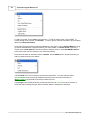
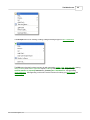
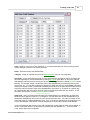
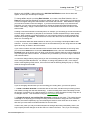
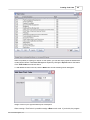
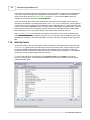
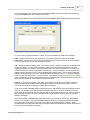
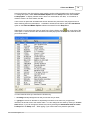
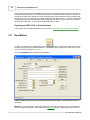
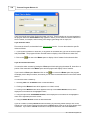
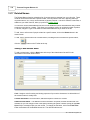
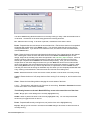
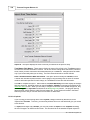
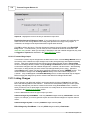
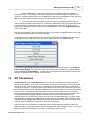
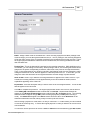
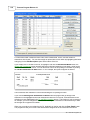
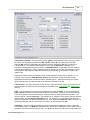
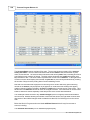
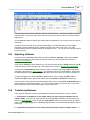
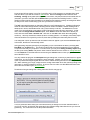
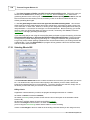
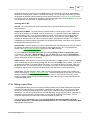
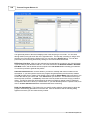
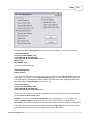
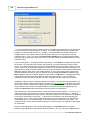
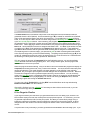
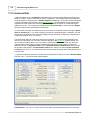
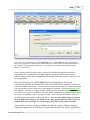
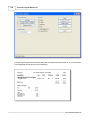
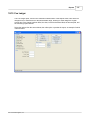
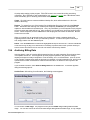
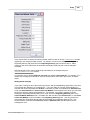
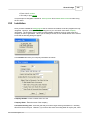
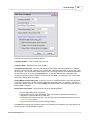
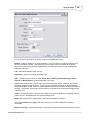
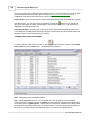
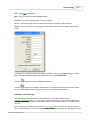
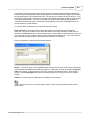
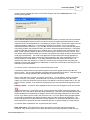
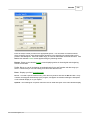
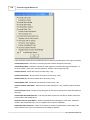
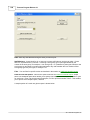
After verifying that the bill or bills you want to generate in Tymetrix format appear on the list, click on
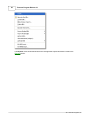
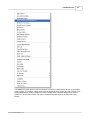
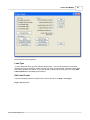
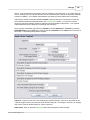
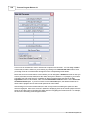
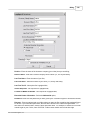
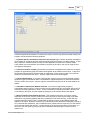
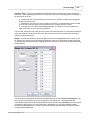
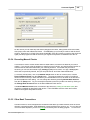
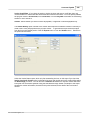
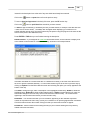
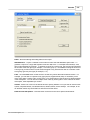
the Special Reports button at the top of the list and select Tymetrix from the menu. The following
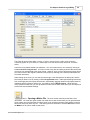
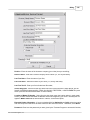
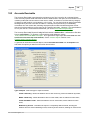
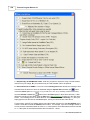
dialog will appear:
2011 Tussman Programs, Inc.