1
NOVUS DVR SYSTEM - User’s manual ver. 2.0
PTZ CAMERA CONTROL
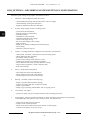
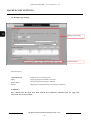
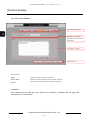
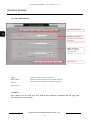
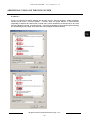
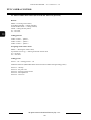
9.4. NOVUS CAMA-mini camera (NOVUS-C1 protocol)
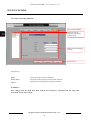
ATTENTION - when implementing the NOVUS C1 protocol (CAMA MINI), selecting ID=32 denotes
ID=32.
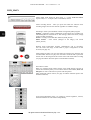
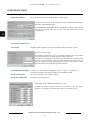
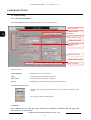
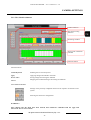
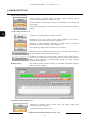
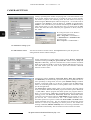
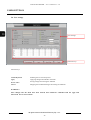
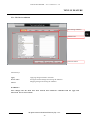
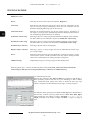
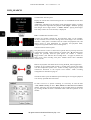
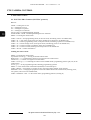
Buttons:
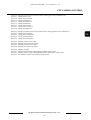
TOUR -> Calling the first tour
A1 -> Calling the first auto scan
A2 -> Calling the first tour
A3 -> Calling the first preset
AP ON / OFF -> Enabling/disabling the first auto scan
SCAN START / STOP -> Enabling/disabling the first auto scan
MENU -> Entering the camera menu
SCAN START / STOP -> Alarm confirmation
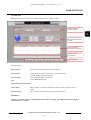
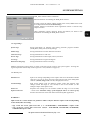
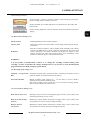
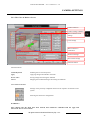
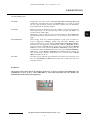
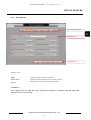
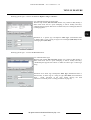
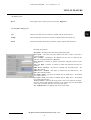
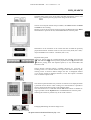
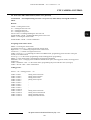
Navigating in the camera menu:
MENU -> Entering the camera menu
Up and down arrows (↕) -> Moving around the camera menu
Right arrow (→) -> Confirming an option in the camera menu
Left arrow (←) -> Return to a higher menu level
CTRL + arrows (↕↔) -> Controlling the camera in TURBO mode, programming presets and auto scans (pan
and tilt) in the camera menu
Arrows (↕↔) -> in the camera programming mode, finishing pattern programming
MENU -> in the camera menu, confirming the selected option (ENTER)
ZOOM IN / OUT -> changing values within the editable menu option, entering pattern names, selecting presets
within tours
CTRL + ZOOM IN / OUT -> in the camera menu, programming the preset and auto scans (closing in)
CTRL + AP ON / OFF -> alarm confirmation
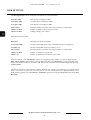
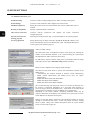
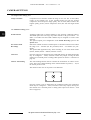
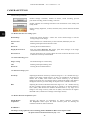
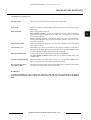
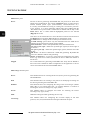
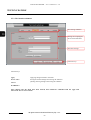
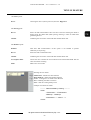
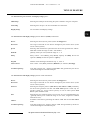
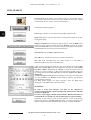
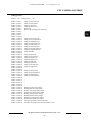
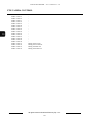
Calling presets:
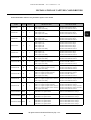
Preset 1 – 60 -> Calling presets 1 – 60
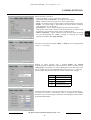
CTRL + Preset 1
CTRL + Preset 2
CTRL + Preset 3
CTRL + Preset 4
CTRL + Preset 5
CTRL + Preset 6
CTRL + Preset 7
CTRL + Preset 8
CTRL + Preset 9
CTRL + Preset 10
CTRL + Preset 11
CTRL + Preset 12
CTRL + Preset 13
CTRL + Preset 14
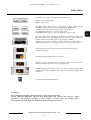
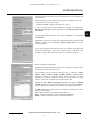
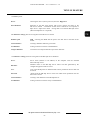
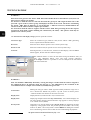
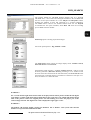
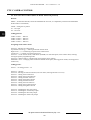
Calling the first autoscan
Calling the first pattern
Calling the first tour
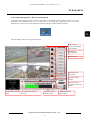
Calling the first preset
Calling the first autoscan
Calling the second autoscan
Calling the third autoscan
Calling the fourth autoscan
All rights reserved © NOVUS Security Sp. z o.o.
109