1
NOVUS DVR SYSTEM - User’s manual ver. 2.0
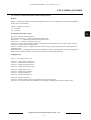
TEXT-IN FEATURE
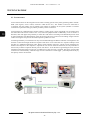
TEXT –IN
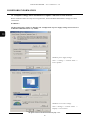
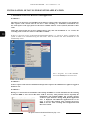
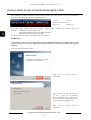
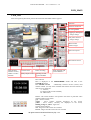
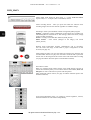
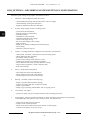
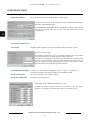
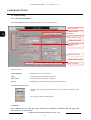
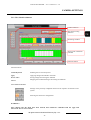
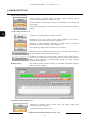
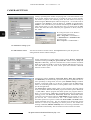
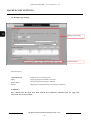
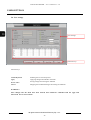
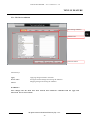
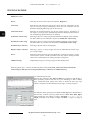
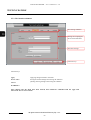
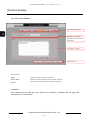
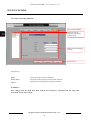
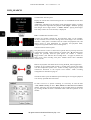
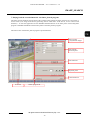
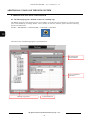
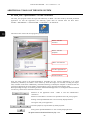
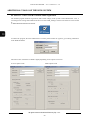
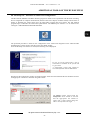
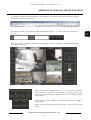
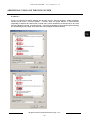
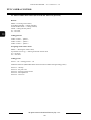
The Device panel:
Device
Choosing the device (device protocol) from the Mapped list
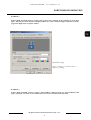
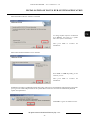
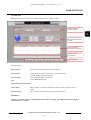
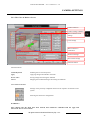
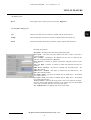
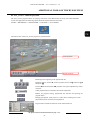
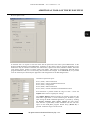
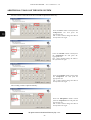
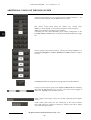
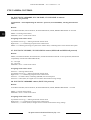
The Parsing panel:
Browse
Select the XSL transformation file. This file is used for selecting the fields to
display from the XML data (XML parsing). Parsing is must for XML data
generating devices.
Validate
Validating the correctness of the used XSL transformation file.
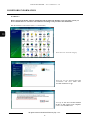
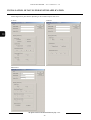
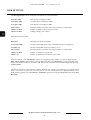
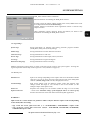
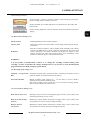
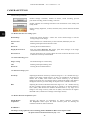
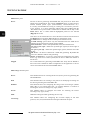
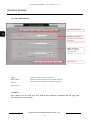
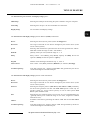
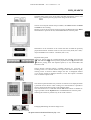
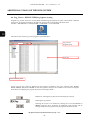
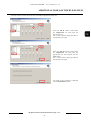
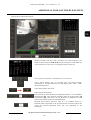
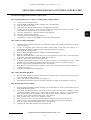
The Database panel:
Database
Data base XSL transformation. If this option is not enabled it operates
identically as for parsing.
Browse
Select the XSL transformation file.
Validate
Validating the correctness of the used XSL transformation file.
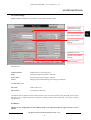
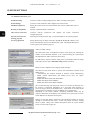
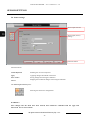
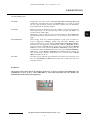
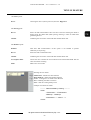
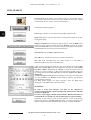
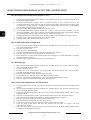
User Defined Table
Allows the user to define the User Table from the transformed XML data for
easier and faster searching.
Make
Make a new User Table.
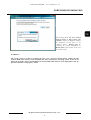
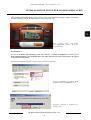
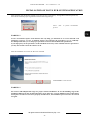
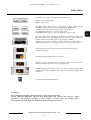
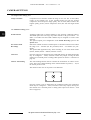
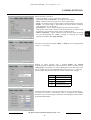
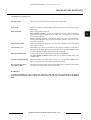
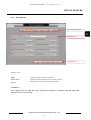
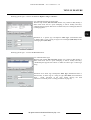
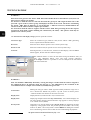
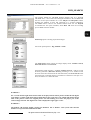
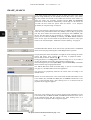
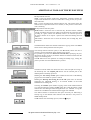
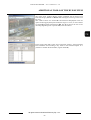
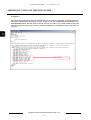
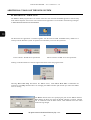
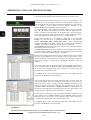
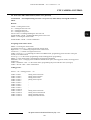
Defining the User Table:
Add Element - add the new table element
Delete Element - delete selected table element
Create - creating the User Table in the data base
Test - validating the table correctness
Close - ends the creating table process
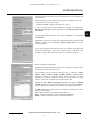
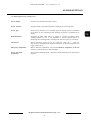
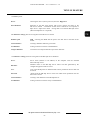
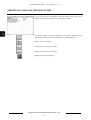
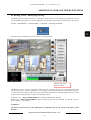
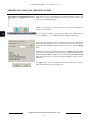
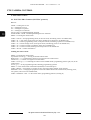
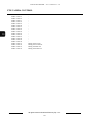
Example of created User Table:
---------- Data formatted by Parsing ---------<html>
<Transaction>...</Transaction>
<Markup>...</Markup>
<Parameter="..." Value="...">
</html>
All rights reserved © NOVUS Security Sp. z o.o.
69