1
■ How to Use this Manual
This Subscriber’s Guide explains the Voice Processing System’s (VPS) operations by
touch tone telephone for Subscribers.
Each operation consists of a description, a diagram, tips and some notes. During
operations, the VPS plays voice prompts telling you what to do at each step though
they do not appear in this guide except for Voice Mail Service Entry.
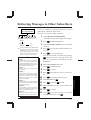
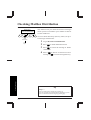
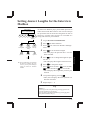
Description
Describes the operation with the telephone keys to be
pressed step by step.
Subscriber's
Main Command Menu
1
2
3
5
4
6
Receive
Message
1
2
3
4
7
*
0
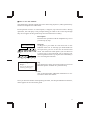
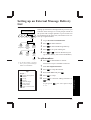
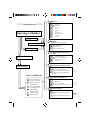
Diagram
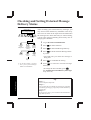
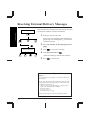
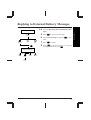
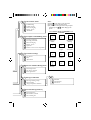
A diagram is provided for each function on the
lefthand of the text. It will help you understand how
the operation goes on in the tree-structured VPS
menu. You will know other options you can choose in
a certain step. It will also help you to perform your
desired operation faster if you press the outlined keys
in a row along the bold line.
Repeat Next Erase Reply Transfer Help
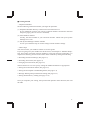
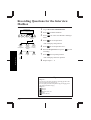
Tip
Step 3 —
You can call the message
sender by pressing [1].
Tip
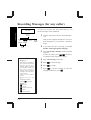
Tips framed in a square are used to make you aware of
alternate options available at a particular step.
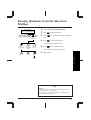
Note
This symbol describes additional information or useful advice about each feature.
Once you become familiar with operating the VPS, use the Quick Reference Section,
which appears at the end of this guide.
ii
ii