1
PSQX1709ZA-08.QX
2.5
99.10.15 10:00 AM
Page 11
Troubleshooting
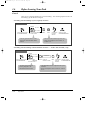
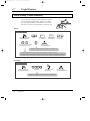
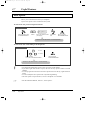
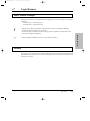
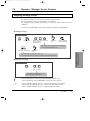
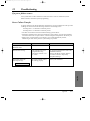
If a power failure occurs...
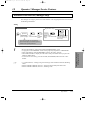
Your system allows certain extensions to make and receive calls on certain lines (Power
Failure Transfer) and retains system programming.
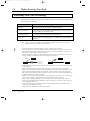
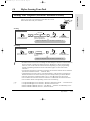
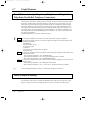
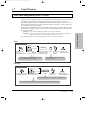
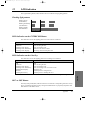
Power Failure Transfer
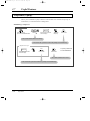
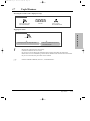
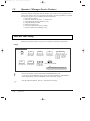
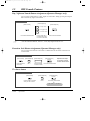
A specific extension will be automatically connected to a specific exchange line. This provides
exchange line calls between the following extensions and exchange lines.
Exchange line 1 is connected to extension port 01.
Exchange line 4 is connected to extension port 09.
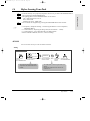
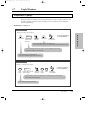
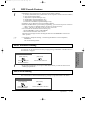
• All other conversations will be disconnected during a power failure.
• Proprietary telephones (PT) cannot be used during a power failure. A single line telephone
will work in the event of a power failure. Connect a single line telephone to the above port.
• When power is restored after a power failure, your system automatically restarts,
maintaining as much of the previous system settings as possible.
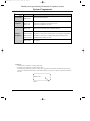
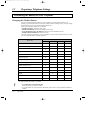
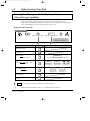
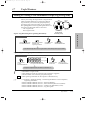
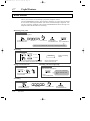
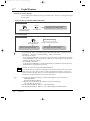
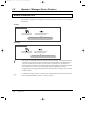
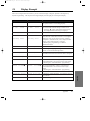
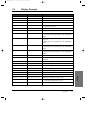
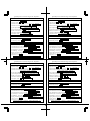
Problem
Probable Cause
Possible Solution
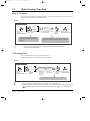
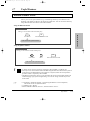
Nothing is heard in the
handsfree mode.
“Headset” mode is selected.
Set the mode to “Handset”.
The unit does not ring.
• The exchange line is not
programmed to ring.
• The Ringer Volume is set
to “OFF”.
• To program exchange lines, refer to the
Installation Manual.
• Increase the Ringer Volume. Refer to
“Volume Control” in Proprietary
Telephone Settings.
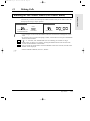
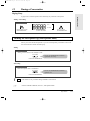
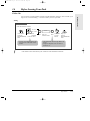
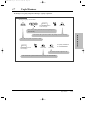
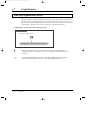
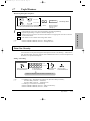
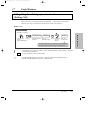
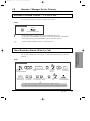
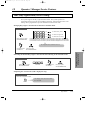
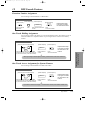
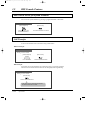
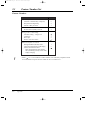
The display flashes the
following message.
The system internal clock is
not working properly.
Contact your maintainer.
Set Time & Date
Appendix
Appendix
2-11