1
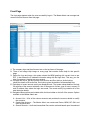
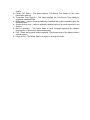
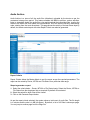
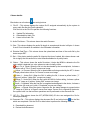
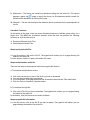
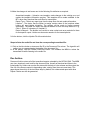
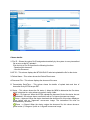
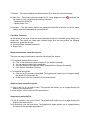
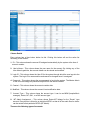
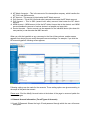
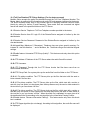
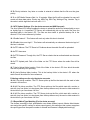
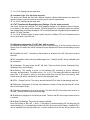
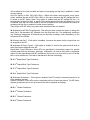
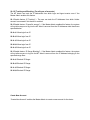
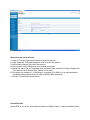
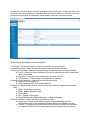
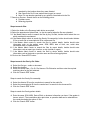
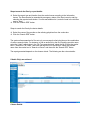
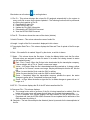
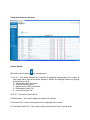
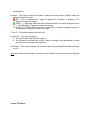
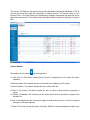
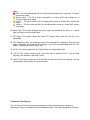
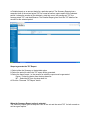
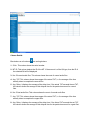
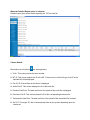
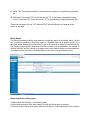
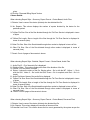
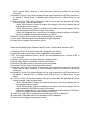
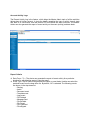
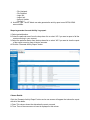
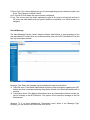
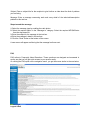
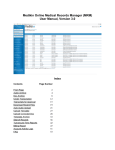
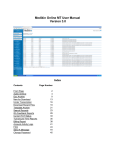
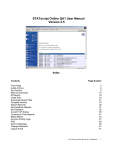
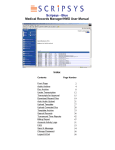
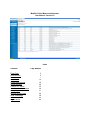
Front Page The front page appears when the user successfully logs in. The Master Admin can manage and control his entire account from this page. 1. The company logo and the site name are on the top frame of the page.. 2. There is an orange Help image on every page that contains online help for that specific page. 3. Below the logo and name, the system shows the MRM greeting with current time as per EST. It also shows the IP address information along with last login time. This way, you can track if someone is logging into your account. 4. On upper left corner, you will find the Audio Archive and Doc Archive. Audio Archive shows the details of all audio files. Doc Archive gives the details of all transcribed files. 5. Particulars of recent account activity are displayed next. The system shows details of the last 50 activities of the account with date, time of occurrence of event, type of event, account ID and IP address from where the login was made. The recent activity log contains all of the past date wise details. 6. Navigation Menu options are located within the blue toolbar on the left of the screen. Options available to the Master Admin are: Account List – A list of the various accounts and provides the account details to modify the accounts. Create New Account – The Master Admin can create new Doctor, MRM, MT, QA1 and QA2 accounts here. Search Records – Audio and transcribed files can be retrieved based upon the selected