1
To Do Processing
•
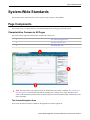
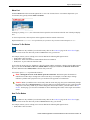
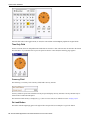
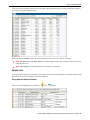
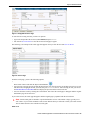
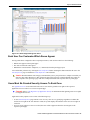
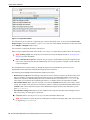
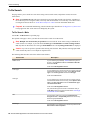
To Do Type contains a description of the To Do type or the To Do entry.
To Do Search Actions
You can perform the following actions on selected To Do Entries.
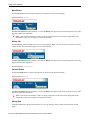
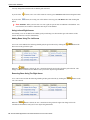
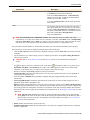
Assign Selected Entries
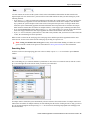
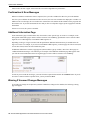
Use the Assign button to assign or reassign the selected entries to a user. Enter a user ID or search for a user using the
Assign To User field. By default this field is populated with the current user's ID. Note that the user's current number
of assignments is displayed adjacent.
Upon successful processing, the selected entries are assigned to the specified user and the status of Open entries
becomes Being Worked On. Additionally, a corresponding log entry is added to each To Do.
Note Only users with Supervisor Assignment access rights may reassign entries that are not currently
assigned to them.
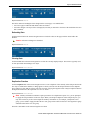
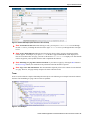
Reopen Selected Entries
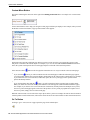
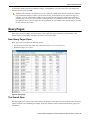
Use the Reopen button to unassign the selected entries from their users forwarding them back to their role.
Upon successful processing, the selected entries become Open and a corresponding log entry is added to each To Do.
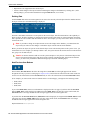
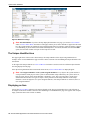
Complete Selected Entries
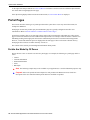
Use the Complete button to complete the selected entries.
Upon successful processing, the selected entries become Completed and a corresponding log entry is added to each
To Do.
Fastpath Refer to The Lifecycle Of A To Do Entry for more information.
How To
The following sections describe how to perform common tasks for To Dos.
How To Assign a To Do to a User
There are several ways to assign a To Do entry to a user:
•
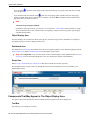
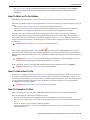
A supervisor can use the Supervisor Functions pages to review, assign and reassign To Dos to users.
•
•
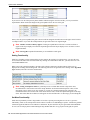
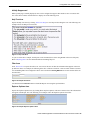
The Supervisor To Do Summary page summarizes by type the total, Open (unassigned) and Being Worked
On (assigned) entries for roles to which you belong.
• The Total, Open or Being Worked On column hyperlinks transfers you to the Supervisor To Do Assignment
page where you can assign / reassign one or more of the corresponding entries to a specific user.
Use the To Do List Functions pages to review and assign To Dos to yourself.
•
•
•
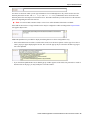
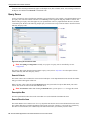
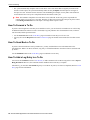
The To Do Summary page summarizes by type the total, Open (unassigned) and Being Worked On (assigned
to you) entries for roles to which you belong.
• The Open column hyperlink transfers you to the To Do List page where you can assign one or more of the
Open entries to yourself.
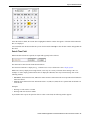
You may also use the To Do Search page to find certain To Do entries based on various criteria and assign
selected entries to a user.
Forwarding an entry to a user using the To Do Entry page is yet another way of assigning an entry to a user.
90 • Oracle Utilities Application Framework Business Process User's Guide