1
English/ Chapter 04
English
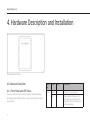
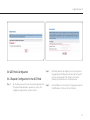
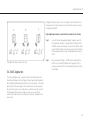
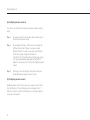
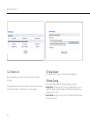
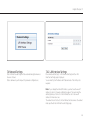
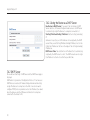
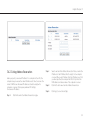
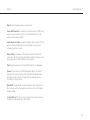
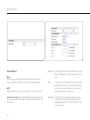
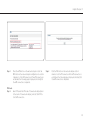
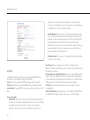
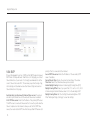
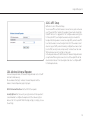
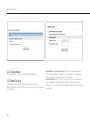
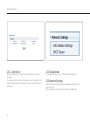
Rear Panel
Side Panel
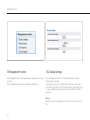
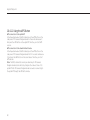
4.1.2 Rear/Side Panel and Interface Description
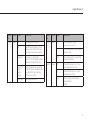
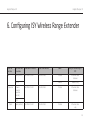
I nterface /B utton
WAN/LAN
Reset
9
D escription
If ISY Wireless R ange E xtender is set to the AP
mode , the interface is a WAN interface which
connects to WAN or uplink network devices .
If ISY Wireless R ange E xtender is set to the
R epeater /C lient mode , the interface is an LAN
interface .
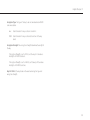
Press the Reset button gently for 3-6 seconds
and then release it. The system restores to the
factory default settings.
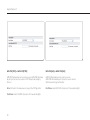
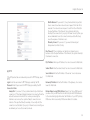
I nterface /B utton
AP/R epeater /C lient
D escription
I t is used for setting ISY Wireless R ange E xtender
to the AP, R epeater , or C lient mode .AP mode — inclu ding the B ridge and router modes R epeater mode —to
expand wireless network coverage C lient mode —
equivalent to a wireless network adapter
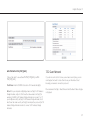
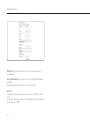
WPS
For enabling WPS PBC mode. For more information, refer to WPS descriptions for each mode.