1
13
SigmaPlot Automation Reference
OLE Automation is a technology that lets other applications, development tools, and
macro languages use a program. SigmaPlot Automation allows you to integrate
SigmaPlot with the applications you have developed. It also provides an effective tool
to customize or automate frequent tasks you want to perform.
Automation uses objects to manipulate a program. Objects are the fundamental
building block of macros; nearly all macro programs involve modifying objects.
Every item in SigmaPlot-graphs, worksheets, axes, tick marks, reports, notebooks,
etc.-can be represented by an object.
SigmaPlot uses a VBAÆ-like macro language to access automation internally. For
more information on recording and editing SigmaPlot macros, see About Macros.
This chapter contains the following topics:
➤
“Opening SigmaPlot from Microsoft Word or Excel” on page 255
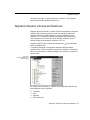
“SigmaPlot Objects and Collections” on page 256
➤ “SigmaPlot Properties” on page 266
➤ “SigmaPlot Methods” on page 275
➤
Opening SigmaPlot from Microsoft Word or Excel
0
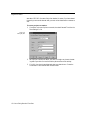
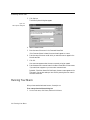
To open SigmaPlot from Microsoft Word or Excel, you must first create a macro
from within either application.
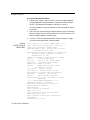
To create the macro:
1.
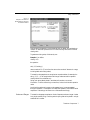
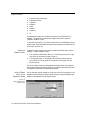
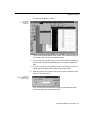
In Excel or Word, choose Tools/Macro/Visual Basic Editor.
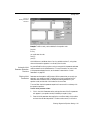
Visual Basic appears.
2.
Choose Insert/Module.
3.
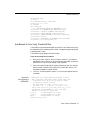
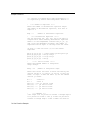
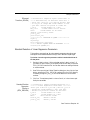
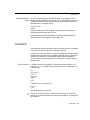
Type:
Sub SigmaPlot()
'
Opening SigmaPlot from Microsoft Word or Excel 255