1
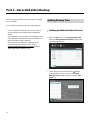
Part 4 - Recorded Video Backup
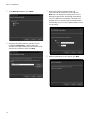
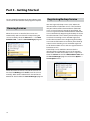
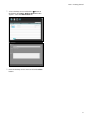
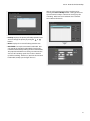
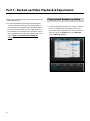
3 Click the Add button at the bottom. The Add
Backup Site window appears, and a list of available
recording services and DVRs is displayed.
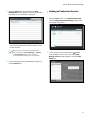
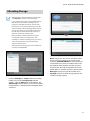
Adding to Federation Service
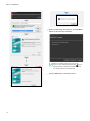
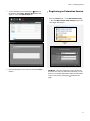
1 Go to the Start menu > Click IDIS Solution Suite
> Run the IDIS Solution Suite Setup program and
enter login information.
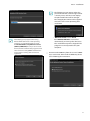
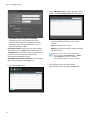
•• Site: Displays recording services and DVRs that are
currently connected to the administration service
via the network.
Only the services of which the administration
server information (Service Manager → Option
→ Server Option) matches the currently
connected administration server are available.
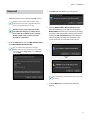
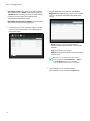
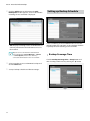
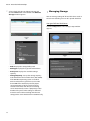
2 Select a backup service and click the
button
at the bottom in the Service menu. The Setup –
Backup Service window appears. Select the Site
Setup tab.
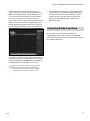
4 Select recording services and DVRs to back up and
click the OK button.
E
1x
오늘
달력
49
64
21