1
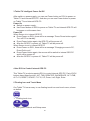
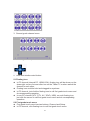
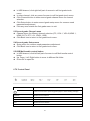
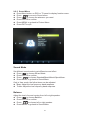
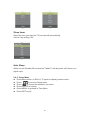
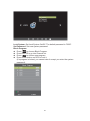
Auto Volume Set to reduce the fluctuation of the sound between channels and programs automatically. Press to choose Auto Volume. Press ENTER to confirm. Press to choose On/Off. Press MENU to go back to Sound Menu Surround Sound Set surround sound effect. Press to choose Surround Sound. Press ENTER to confirm. Press to choose On/Off. Press MENU to go back to Sound Menu AD Switch Press to choose AD Switch. Press ENTER to confirm. Press to choose On/Off. Press MENU to go back to Sound Menu. 9-2-4 Time Menu Press Menu button on RCU or TV panel to display function menu. Press to move to Time menu. Press to choose the submenu you need. Press ENTER to confirm. Press MENU to go back to Time Menu Press EXIT to quit. 34