1
Chapter 4: Configuring the CTRIO Inputs
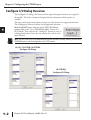
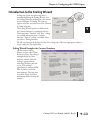
For Do-more users, the Workbench options have been built into the Do-more Designer
software. The configuration dialog is found by first opening the System Configuration
window by selecting the “XY Configure” button in the main toolbar.
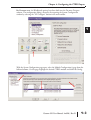
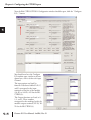
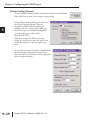
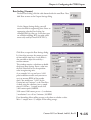
With the System Configuration page open, select the Module Configuration(s) page from the
lefthand column. On this page, highlight the desired CTRIO module and click Edit Config.
Counter I/O User Manual, 2nd Ed., Rev. D
1
2
3
4
5
6
7
8
9
10
11
12
13
14
A
B
C
D
4–3