1
Chapter 5 Thermocouple Input Module
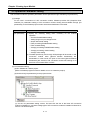
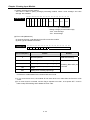
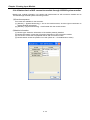
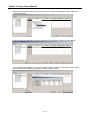
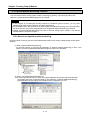
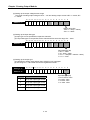
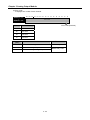
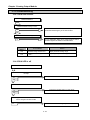
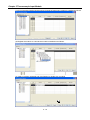
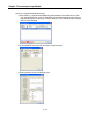
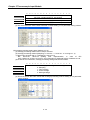
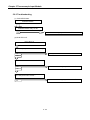
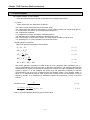
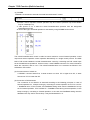
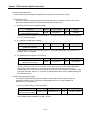
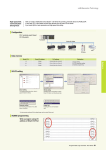
(2) Save variables
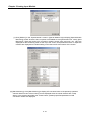
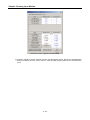
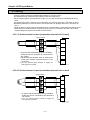
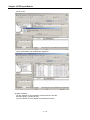
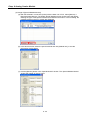
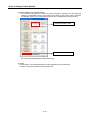
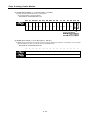
(a) The contents of ‘View Variable’ can be saved as a text file.
(b) Select [Edit] -> [Export to File].
(c) The contents of ‘View variable’ are saved as a text file.
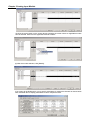
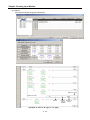
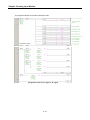
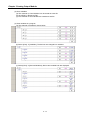
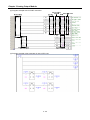
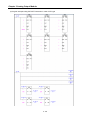
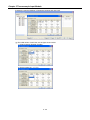
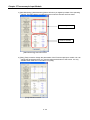
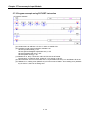
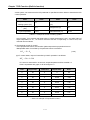
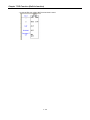
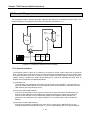
(3) View variables
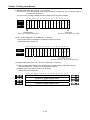
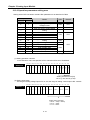
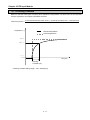
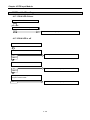
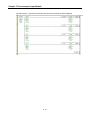
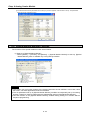
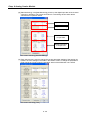
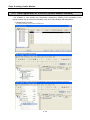
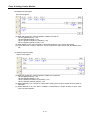
(a) The example program of XG5000 is as shown below.
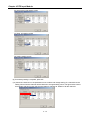
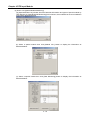
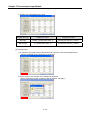
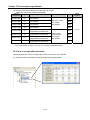
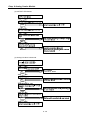
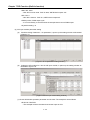
(b) Select [View] -> [Variables]. The devices are changed into variables.
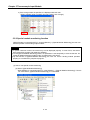
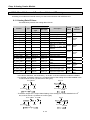
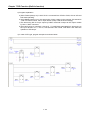
(c) Select [View] -> [Devices/Variables]. Devices and variables are both displayed.
5 - 30