1
Chapter 4 RTD Input Module
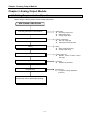
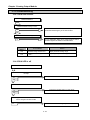
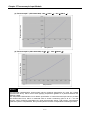
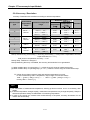
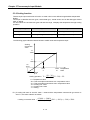
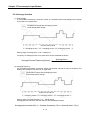
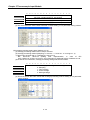
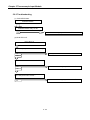
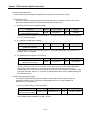
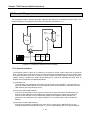
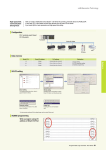
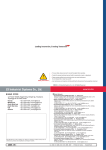
(2) How to use [Special Module Monitoring]
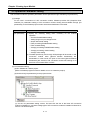
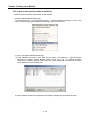
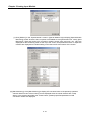
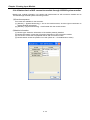
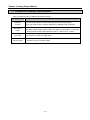
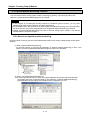
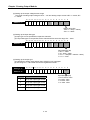
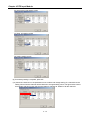
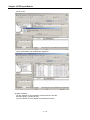
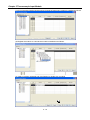
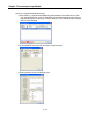
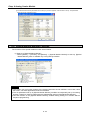
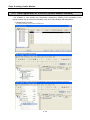
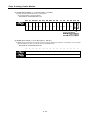
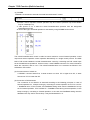
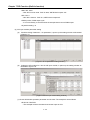
(a) [Special Module List] window will show base/slot information and types of special module by
click [Monitor] Æ [Special Module Monitoring].In this list box, the modules that are now installed in
PLC system will be displayed.
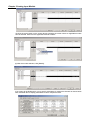
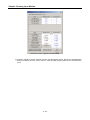
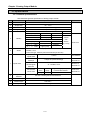
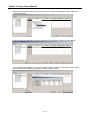
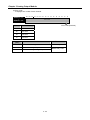
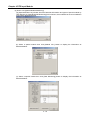
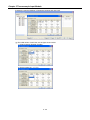
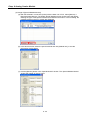
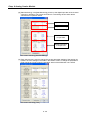
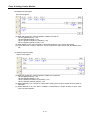
(b) Select a special module then click [Module Info.] button to display the information as
described below.
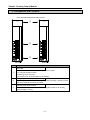
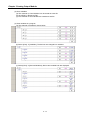
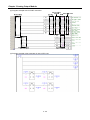
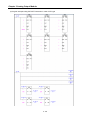
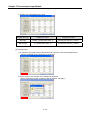
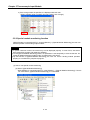
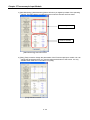
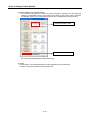
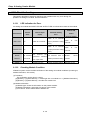
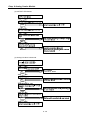
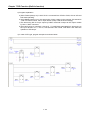
(c) Select a special module then click [Start Monitoring] button to display the information as
described below.
4 - 16