1
AIDA64 Network Audit
Preferences
LAYOUT
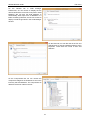
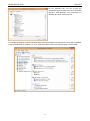
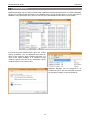
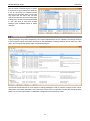
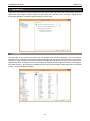
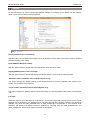
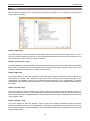
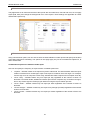
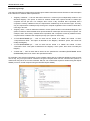
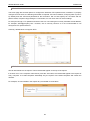
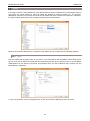
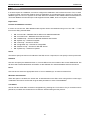
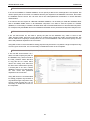
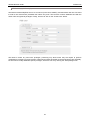
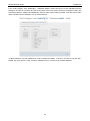
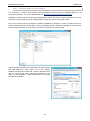
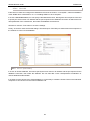
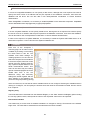
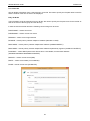
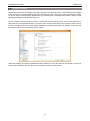
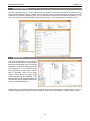
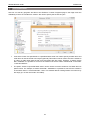
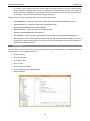
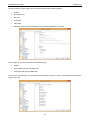
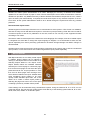
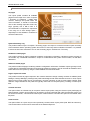
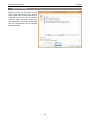
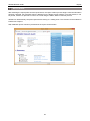
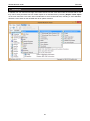
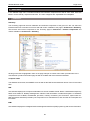
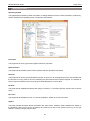
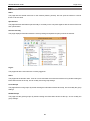
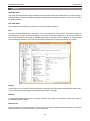
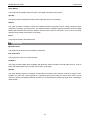
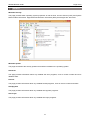
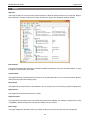
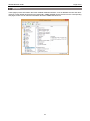
With the options available on the Layout tab on the Preferences window, we can configure the user interface
and the layout of AIDA64.
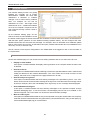
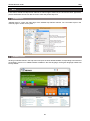
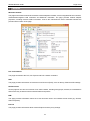
Enable “ASPI” page
This option displays or hides the Storage / ASPI page which shows information about ASPI devices. In some
very rare scenarios, AIDA64 may lock up or cause an application fault when the ASPI page is opened. In such
cases disabling the ASPI page can resolve the problem.
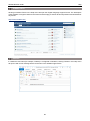
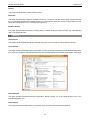
Enable “Audio Codecs” page
This option displays or hides the Multimedia / Audio Codecs page which shows information about the available
audio codecs. This page may not be necessary when doing network audit or remote control, and in such
scenarios, disabling it can save up to 10 MB of system memory.
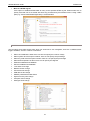
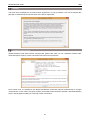
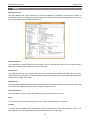
Enable “DMI” page
This option displays or hides the Computer / DMI page which displays information about the BIOS, the
motherboard, the chassis, the controllers as well as the slots, connectors and sockets integrated on the
motherboard. The reliability and accuracy of DMI information depends on the motherboard or computer
manufacturer responsible for providing this data. It is recommended that this page is disabled if DMI data seem
inaccurate.
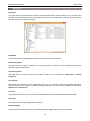
Enable “OpenAL” page
This option displays or hides the Multimedia / OpenAL page which displays information about the Open AL
interface. OpenAL API calls may cause application or operating system faults when the audio driver does not
fully conform to industry-accepted standards. It is recommended that this page is disabled to avoid any issues
during network audits.
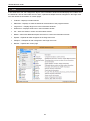
Enable “OpenGL” page
This option displays or hides the Display / OpenGL page which displays information about the OpenGL
interface. OpenGL API calls may cause application or operating system faults when the video driver does not
fully conform to industry-accepted standards. It is recommended that this page is disabled to avoid any issues
during network audits.
19