1
PGMⅢ Programmable Ethernet Control System
37
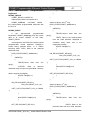
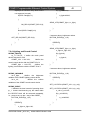
codes which caused the error;
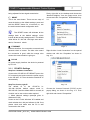
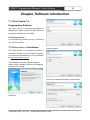
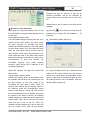
7.7.6.1 How to insert IR Control code
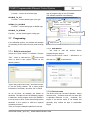
You can choose the required IR Control code
from the IR Control Codes database to insert into
the program rather than typing in.
A:Firstly, move the cursor to the place to
insert the IR Control code
Then a CR-PGMIII has been finished.
B:Choose the required IR Control Code from
the data base and double click. And it’s done.
7.8 Upload the program to the
CR-PGMIII
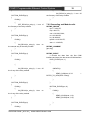
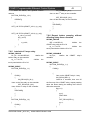
7.7.7 Compile the project
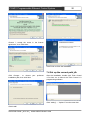
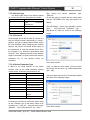
After writing the program and before we upload
the program into the controller, we need to
compile the program.
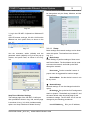
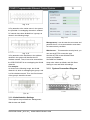
Click the “Compile” button as shown below:
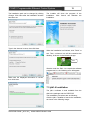
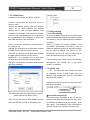
After successfully complied the program, click the
below shown icon to launch the DManger softare:
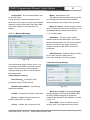
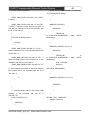
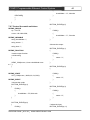
Upload the program
Compile
1,Click the button as shown below:
When compiling, the detailed information will be
shown in the “Output” window:
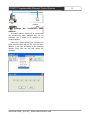
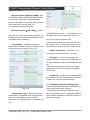
Connect the CR-PGMIII’s IP
2,Set up the controller’s IP:
Controller IP: by default it is 192.168.1.20
Port:fixed as 7755
Click Apply to finish.
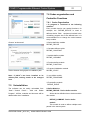
If some error happens, the software will jump to
the “Error Window”. Double click the error
information will bring you to the corresponding
CREATOR CHINA 2011-03
WWW.CREATOR1997.COM