1
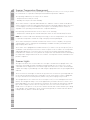
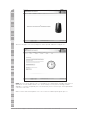
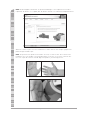
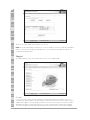
1. Click Scan (upper left corner) to begin the warm-up and calibration setup process.
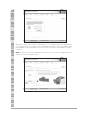
NOTE: The timer on the bottom of the screen displays the remaining time available until your next
upload. The version number indicates the current software version you are running (software
upgrades occur when you upload your scan information). Please note that you cannot upload and
scan at the same time.
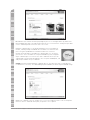
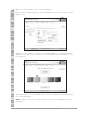
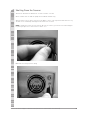
2. The Scanner must warm-up before each scan session. Click Warm Up to begin the process.
Scanner Technical Support 1.800.487.1000 (Outside U.S. and Canada 1.801.345.6670)
14