1
4. Using the Menus
Digital Projection LIGHTNING
Warnings
35HD-T, 40HD-T User Manual
Notes
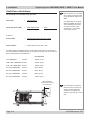
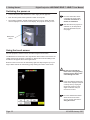
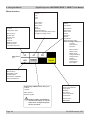
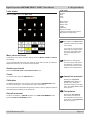
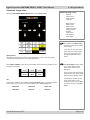
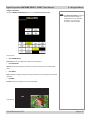
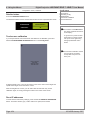
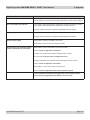
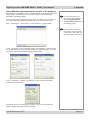
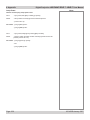
If a projector fault is detected, the warning symbol will be displayed, with an
explanatory message.
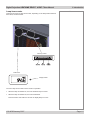
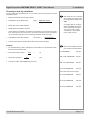
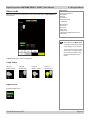
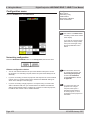
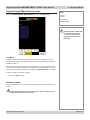
LCD screen blank
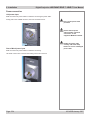
To blank the LCD screen, press and hold the Digital projection logo at the top of the
screen for about two seconds. On release, the screen will blank.
To restore the display, press anywhere on the screen.
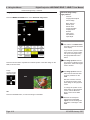
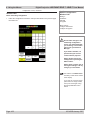
IP addresses
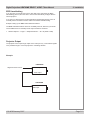
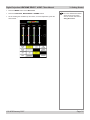
The IP addresses of the two ethernet ports are shown.
Page 4.6
105-453B January 2007