1
Configuring the Interface
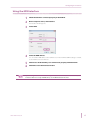
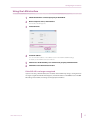
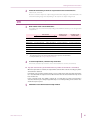
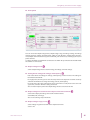
Using the GPIB interface
1
2
Check that the PC is connected properly to the PCR-LE.
3
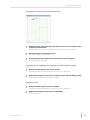
Select GPIB.
4
Select the GPIB address.
5
6
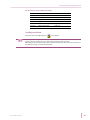
Click Test to check that Wavy can communicate properly with the PCR-LE.
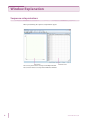
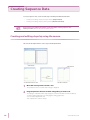
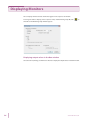
On the Sequence menu, click Interface.
The Interface window appears.
You can view the GPIB address on the COM-I/F screen in the PCR-LE’s CONFIG settings. For details,
see the PCR-LE Series user’s manual.
Click OK to close the Interface window.
If you are using Windows 7 or Windows Vista, you need to install the latest GPIB driver. For details
on how to obtain and set up the GPIB driver, see the GPIB instruction manual.
SD011-PCR-LE Ver.5.4x
5