1
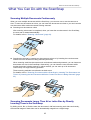
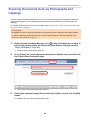
Scanning Documents Such as Photographs and Clippings
4.
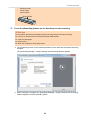
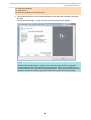
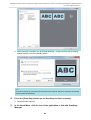
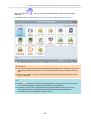
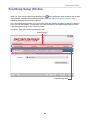
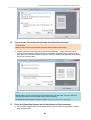
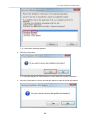
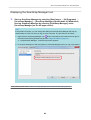
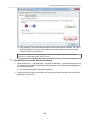
Click the [OK] button to close the ScanSnap setup window.
5.
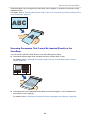
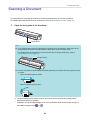
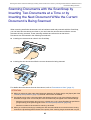
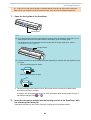
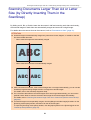
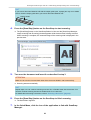
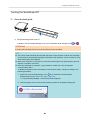
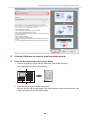
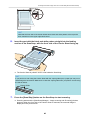
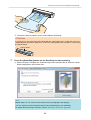
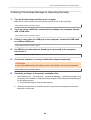
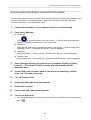
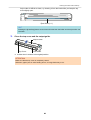
Place the document inside the Carrier Sheet.
Open the Carrier Sheet and place the top of the document against the top center of the Carrier
Sheet.
6.
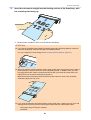
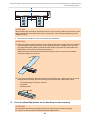
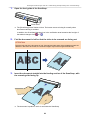
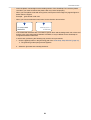
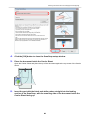
Insert the part with the black and white pattern straight into the feeding
section of the ScanSnap, with the scanning side of the document inside the
Carrier Sheet facing up.
69