1
Uninstalling the Software ............................................................................................................... 76
Removing the Installation Information .............................................................................................. 77
Installing the Software from the [ScanSnap Setup] Window ................................................................ 81
Installing One Software at a Time.................................................................................................... 82
When the ScanSnap Manager Icon Does Not Appear ............................................................................... 83
Displaying the ScanSnap Manager Icon........................................................................................... 84
When ScanSnap Manager Does Not Operate Normally ............................................................................ 85
Removing Unnecessary Icons from the Notification Area.................................................................... 86
Checking the Connection between the ScanSnap and the Computer ................................................... 87
Checking If ScanSnap Manager Is Operating Normally ...................................................................... 88
Removing the ScanSnap's Connection Information ........................................................................... 91
When You Cannot Uninstall the Software................................................................................................ 93
Cleaning ............................................................................................................................... 94
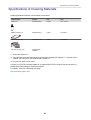
Specifications of Cleaning Materials ....................................................................................................... 95
Cleaning the Outside of the ScanSnap ................................................................................................... 96
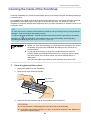
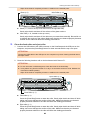
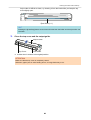
Cleaning the Inside of the ScanSnap ...................................................................................................... 97
Cleaning the Carrier Sheet .................................................................................................................. 100
Appendix ............................................................................................................................ 101
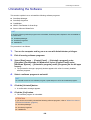
Uninstalling the Software .................................................................................................................... 102
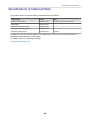
Specifications of Optional Parts ........................................................................................................... 104
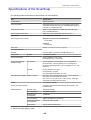
Specifications of the ScanSnap............................................................................................................ 105
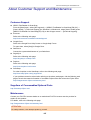
About Customer Support and Maintenance ....................................................................... 107
3